Why This Category Deserves Careful Comparison
Choosing the right laptop is a significant decision, impacting everything from your daily productivity to your entertainment experience. With so many options available, it's easy to feel overwhelmed. This guide aims to simplify that process by focusing on eight distinct models, each with its own strengths and target user. We've meticulously reviewed their specifications, pricing, and user feedback to provide a clear, data-driven comparison.
Our analysis goes beyond surface-level features, digging into the core components that define a laptop's performance and value. Whether you're a student needing a reliable machine for coursework, a professional seeking a portable workstation, or simply looking for a device to keep up with your digital life, this list has something for you. We'll break down what makes each laptop stand out, helping you make an informed choice based on verified data.
Quick Comparison Table
| Product | Price | Rating | Review Count |
|---|---|---|---|
| Lenovo 11.6" 300e Chromebook (Renewed) | $91.99 | 4/5 | 3,301 |
| HP Chromebook 14 Laptop | $227.99 | 4.3/5 | 2,872 |
| HP Stream 14" HD BrightView Laptop | $369 | 4.2/5 | 1,656 |
| Lenovo IdeaPad 3i Chromebook | $238 | 4.3/5 | 1,592 |
| Apple MacBook Air (Renewed) | $383 | 4.1/5 | 1,481 |
| Dell Chromebook 11 3100 (Renewed) | $74.99 | 4.2/5 | 1,439 |
| HP 15.6 inch Laptop | $431.06 | 4.5/5 | 1,382 |
| Lenovo Flagship Chromebook | $207.98 | 4.3/5 | 1,310 |
Individual Product Analysis
1. Best Budget Chromebook: Dell Chromebook 11 3100 (Renewed)
For those prioritizing affordability and essential functionality, the Dell Chromebook 11 3100 stands out. This renewed model offers a compact 11.6" screen and runs on Chrome OS, making it ideal for web-based tasks. With 4GB of RAM and 16GB of flash memory, it's designed for simplicity and quick access to cloud-based applications.
The Dell Chromebook 11 3100 boasts a solid 4.2/5 rating from 1,439 reviews, indicating a high level of customer satisfaction despite its modest specifications. Its compact design and straightforward operating system make it a practical choice for users who need a no-frills device for browsing, email, and light productivity.
2. Best Ultra-Budget Chromebook: Lenovo 11.6" 300e Chromebook Touchscreen LCD 2 in 1 (Renewed)
The Lenovo 300e Chromebook presents an exceptionally accessible entry point into the world of Chrome OS. Priced at just $91.99, this 2-in-1 device features an 11.6" HD touchscreen and a MediaTek M8173C Quad-core processor. It comes with 4GB of RAM and 32GB of flash storage, suitable for everyday tasks and educational use.
This model earns a respectable 4/5 rating based on 3,301 reviews, highlighting its popularity and perceived value. The inclusion of a touchscreen and the 2-in-1 form factor add versatility, allowing for use as both a laptop and a tablet. It's a compelling option for users seeking maximum value on a tight budget.
3. Best Value Chromebook: Lenovo Flagship Chromebook
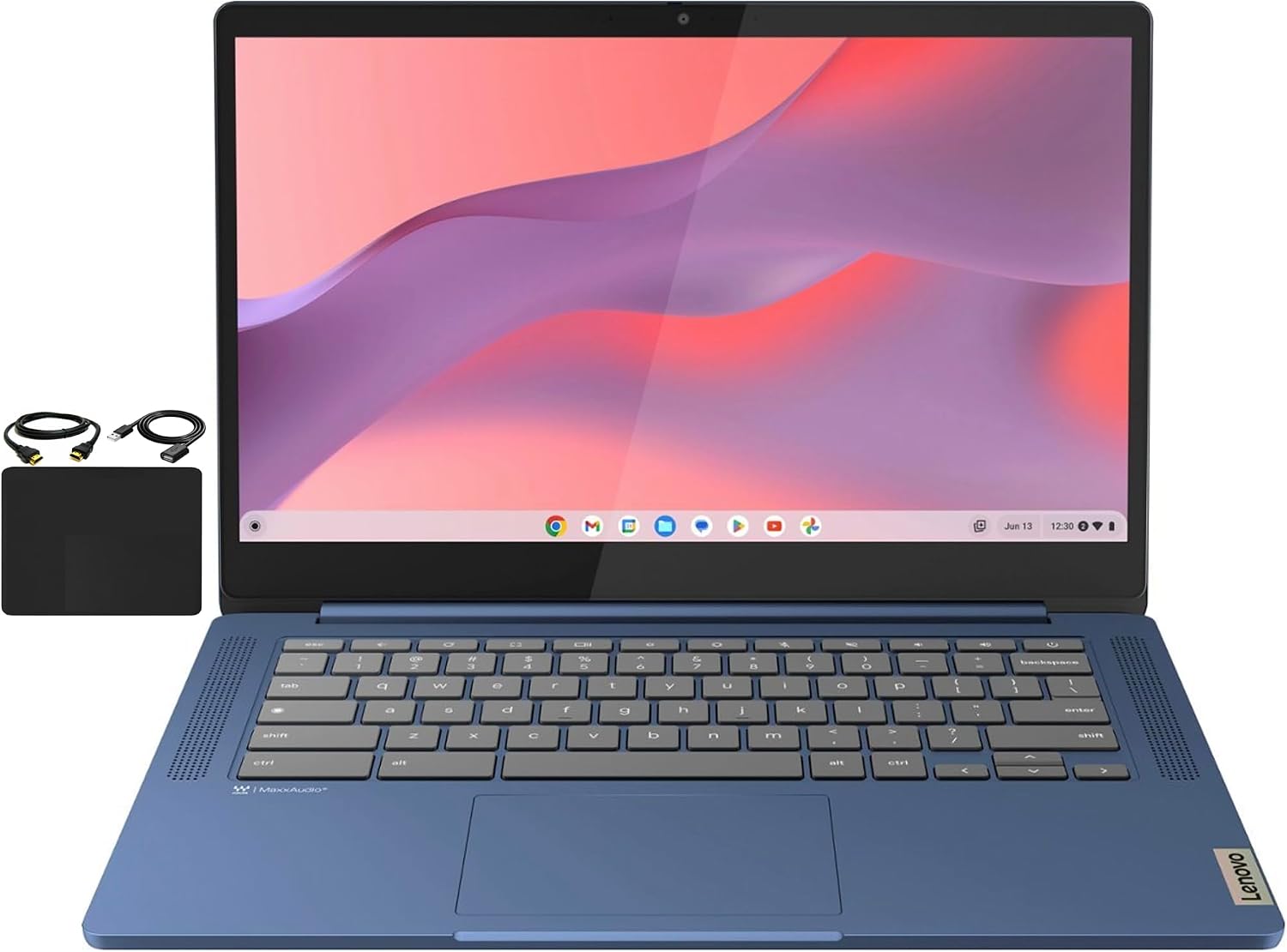
The Lenovo Flagship Chromebook offers a well-rounded experience for its price point of $207.98. It features a vibrant 14" Full HD touchscreen with IPS technology, providing excellent clarity and wide viewing angles. The device is powered by an 8-Core MediaTek Kompanio 520 processor, paired with 4GB of RAM and 64GB of eMMC storage.
With a strong rating of 4.3/5 from 1,310 reviews, this Chromebook is recognized for its performance and display quality. It includes Wi-Fi 6 for faster connectivity and a 720p HD webcam with a privacy shutter, enhancing its utility for online classes and remote work. This model strikes a great balance between features and cost.
4. Best Mid-Range Chromebook: HP Chromebook 14 Laptop
The HP Chromebook 14 Laptop, priced at $227.99, offers a larger 14-inch HD display and a capable Intel Celeron N4120 processor. It is equipped with 4GB of RAM and 64GB of eMMC storage, providing a solid foundation for multitasking and productivity. The thin and lightweight design makes it highly portable.
This HP Chromebook garners an impressive 4.3/5 rating from 2,872 reviews, reflecting its widespread appeal. Key features include Intel UHD Graphics 600 for enhanced visual performance and an average battery life of up to 14 hours, ensuring all-day usability. It's a great choice for users seeking a reliable and versatile Chromebook experience.
5. Best All-Around Chromebook: Lenovo IdeaPad 3i Chromebook
For a step up in display quality and overall performance within the Chromebook category, the Lenovo IdeaPad 3i Chromebook is an excellent choice at $238. It boasts a larger 15.6" FHD display with a resolution of 1920x1080, delivering crisp visuals. This model is equipped with an Intel Celeron N4500 processor, a generous 8GB of RAM, and 64GB of eMMC storage.
This Chromebook achieves a strong 4.3/5 rating from 1,592 reviews, underscoring its popularity. The inclusion of 8GB of RAM significantly enhances multitasking capabilities compared to lower-spec models. With versatile connectivity options including USB 3.2 Gen 1 and USB-C 3.2 Gen 1, and up to 10 hours of battery life, it's a highly capable machine for various tasks.
6. Best Upgrade Option: HP Stream 14" HD BrightView Laptop
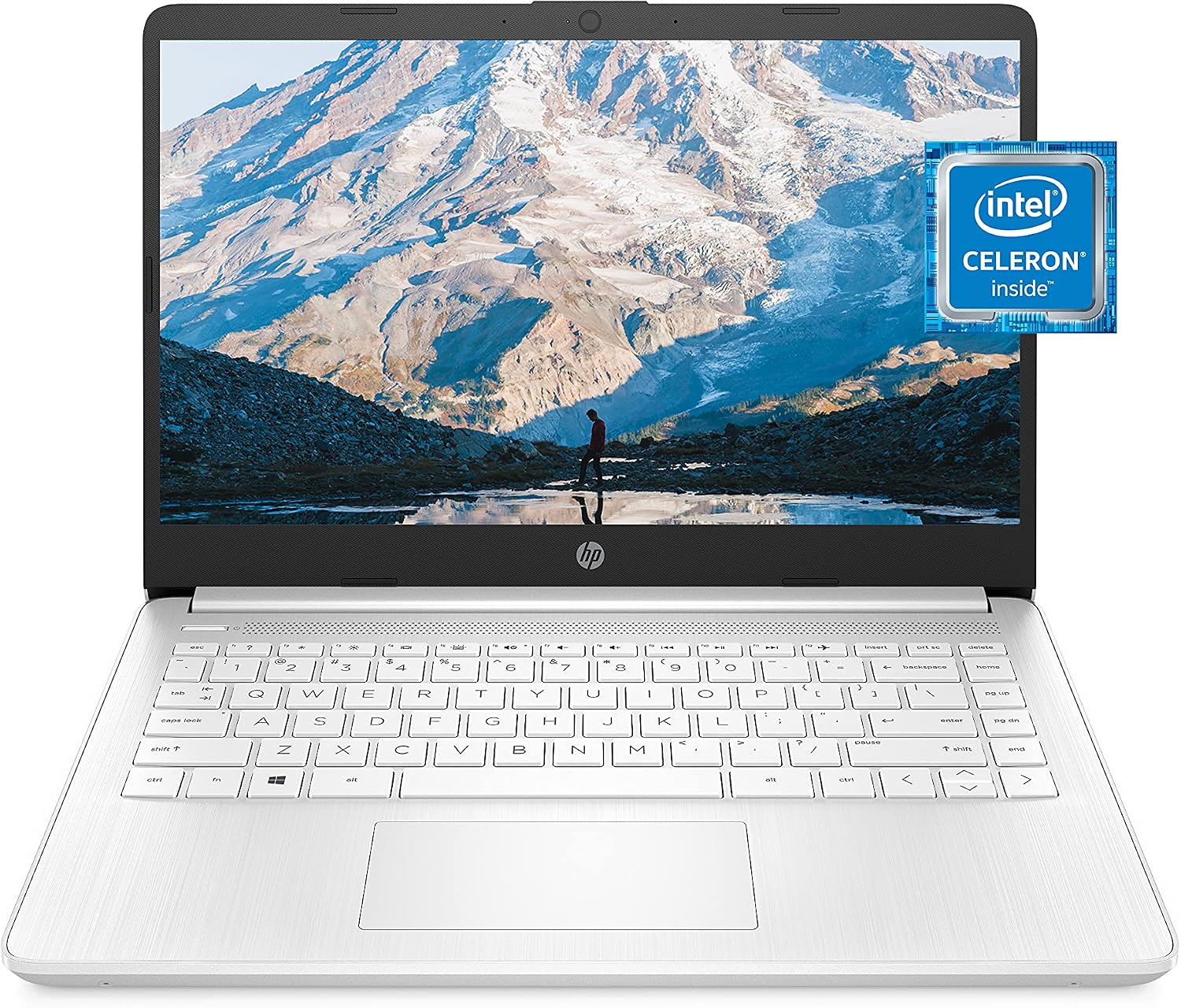
The HP Stream 14" HD BrightView Laptop, priced at $369, offers a unique storage configuration and enhanced memory. It features a 14-inch HD BrightView display and is powered by an Intel Celeron N4120 processor. Notably, it comes with 16GB of RAM and a substantial 288GB of storage (128GB UFS + 160GB Docking Station Set).
This model holds a 4.2/5 rating from 1,656 reviews. The combination of 16GB RAM and expanded storage makes it a compelling option for users who require more capacity and smoother multitasking than typical budget laptops offer. It also includes Windows 11 Home in S Mode and a 720p webcam, making it suitable for a wide range of home and school tasks.
7. Best Premium Chromebook Alternative: Apple MacBook Air with Apple M1 Chip (Renewed)
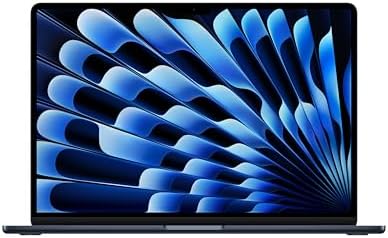
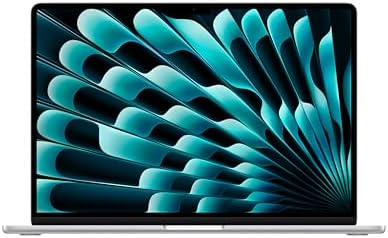
For those considering a step into the Apple ecosystem or seeking premium performance, the late 2020 Apple MacBook Air with M1 chip is a compelling renewed option at $383. It features a stunning 13.3-inch Retina display with a 2560x1600 resolution and is powered by the highly efficient Apple M1 chip with an 8-core CPU and 7-core GPU. This model includes 8GB of RAM and a 128GB SSD.
This MacBook Air achieves a 4.1/5 rating from 1,481 reviews. The M1 chip offers exceptional performance and power efficiency, making it a standout choice for demanding tasks while maintaining long battery life. Its premium build quality, excellent display, and robust performance make it a strong contender for users looking for a high-quality, long-lasting laptop.
8. Best Windows Laptop for Everyday Use: HP 15.6 inch Laptop
The HP 15.6 inch Laptop, priced at $431.06, represents a powerful Windows-based option for everyday computing. It features a large 15.6-inch HD touchscreen display and is driven by an AMD Ryzen 3 7320U processor, paired with 8GB of LPDDR5 RAM and a fast 128GB PCIe NVMe M.2 SSD. This configuration ensures responsive performance for a variety of tasks.
This laptop boasts an outstanding 4.5/5 rating from 1,382 reviews, making it the highest-rated product on our list. It includes AMD Radeon Graphics for enhanced visual capabilities and Windows 11 Home in S Mode for a secure computing experience. With features like Wi-Fi 6, Bluetooth 5.3, and a 12-hour battery life, it's a versatile and modern choice for home and everyday use.
Laptop Buying Guide
Selecting the right laptop involves understanding key specifications and how they align with your needs. Here’s a breakdown of what to look for, based on the data provided for these models:
Processor
The processor is the brain of your laptop. Options range from Intel Celeron (found in models like the Dell Chromebook 11 3100 and HP Chromebook 14) and MediaTek (seen in the Lenovo 300e and Lenovo Flagship Chromebook) for everyday tasks and web browsing, to more powerful AMD Ryzen (HP 15.6 inch Laptop) and Apple M1 chips (MacBook Air) for demanding applications and multitasking.
RAM (Memory)
RAM determines how many applications your laptop can handle simultaneously. 4GB RAM is common in entry-level Chromebooks (e.g., Lenovo 300e, HP Chromebook 14, Dell Chromebook 11 3100, Lenovo Flagship Chromebook), suitable for basic use. 8GB RAM, found in the Lenovo IdeaPad 3i Chromebook, HP Stream 14, MacBook Air, and HP 15.6 inch Laptop, offers a smoother multitasking experience and is recommended for more intensive use.
Storage
Storage capacity dictates how many files, applications, and media you can save directly on your device. Options include:
- eMMC storage: Common in Chromebooks (e.g., 16GB in Dell Chromebook 11 3100, 32GB in Lenovo 300e, 64GB in HP Chromebook 14, Lenovo IdeaPad 3i, Lenovo Flagship Chromebook). It's generally slower but more affordable.
- SSD (Solid State Drive): Found in the HP Stream 14 (128GB UFS + 160GB Docking Station Set) and HP 15.6 inch Laptop (128GB PCIe NVMe M.2 SSD), and MacBook Air (128GB SSD). SSDs offer significantly faster boot times and application loading speeds.
Consider cloud storage integration, especially with Chrome OS devices, which often rely on services like Google Drive.
Display
The screen size and resolution impact your viewing experience. Common sizes include 11.6-inch (Lenovo 300e, Dell Chromebook 11 3100), 14-inch (HP Chromebook 14, HP Stream 14, Lenovo Flagship Chromebook), and 15.6-inch (Lenovo IdeaPad 3i, HP 15.6 inch Laptop). Resolutions vary from HD (1366 x 768 pixels) on many Chromebooks to FHD (1920 x 1080 pixels) on the Lenovo IdeaPad 3i and Lenovo Flagship Chromebook, and the high-resolution Retina display (2560x1600) on the MacBook Air. Touchscreen capabilities are available on several models, offering intuitive navigation.
Operating System
The choice of operating system is crucial. Chrome OS (found on most Chromebooks listed) is lightweight, secure, and ideal for web-based tasks and Android apps. Windows 11 Home (HP Stream 14, HP 15.6 inch Laptop) offers broader software compatibility and a familiar interface for many users. macOS is exclusive to Apple MacBooks.
Connectivity and Battery Life
Look for modern connectivity standards like Wi-Fi 6 (802.11ax) for faster wireless speeds, as seen on the Lenovo IdeaPad 3i, Lenovo Flagship Chromebook, and HP 15.6 inch Laptop. Bluetooth versions vary, with Bluetooth 5.0 (MacBook Air) and Bluetooth 5.3 (HP 15.6 inch Laptop) being more recent. Battery life is critical for portability; options range from around 10 hours (Lenovo IdeaPad 3i) to up to 14 hours (HP Chromebook 14) or even 12 hours (HP 15.6 inch Laptop), with the M1 MacBook Air known for exceptional efficiency.