Introduction
Welcome to our guide on choosing the right scanner accessories. This category might seem niche, but the right accessory can dramatically enhance your scanning experience, whether you're digitizing precious photos, archiving important documents, or setting up for remote presentations. Making a considered purchase here means investing in efficiency, quality, and long-term satisfaction. We'll walk you through the essential factors to consider, using real-world examples from currently available products to help you make an informed decision.
Key Factors to Consider
When selecting a scanner accessory, several key specifications and features directly impact performance and usability. Understanding these will help you narrow down your options effectively.
Resolution and Image Quality
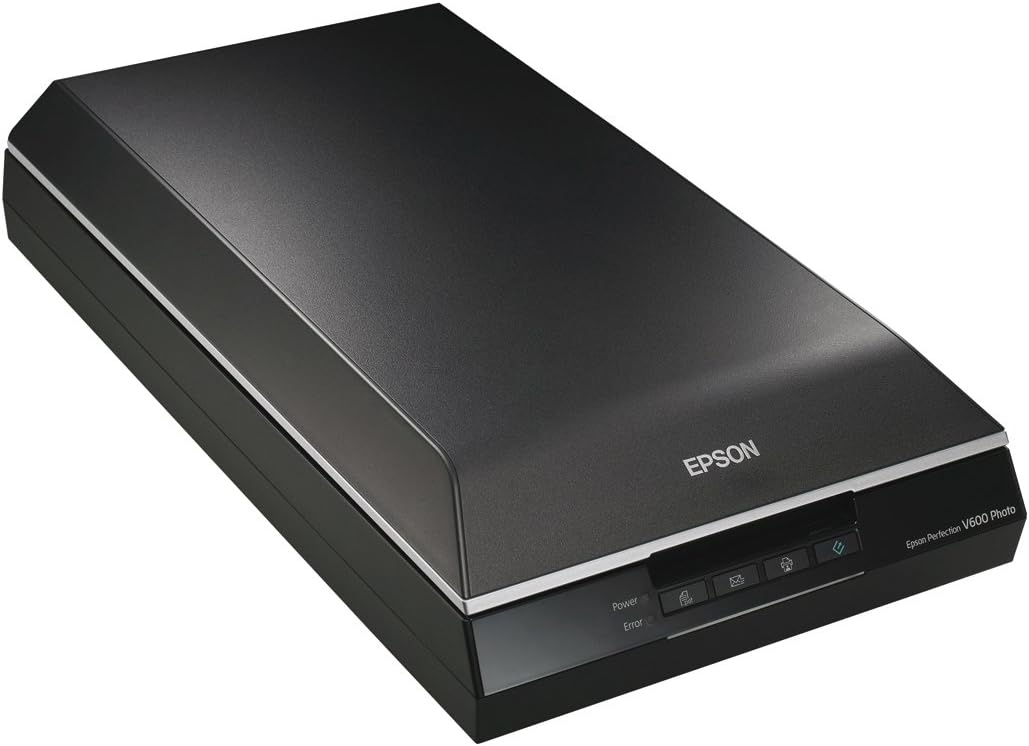
Resolution is paramount for capturing detail. For photo and document scanning, higher DPI (dots per inch) means finer detail. For instance, the Epson Perfection V600 boasts a high-quality 6400dpi film and photo scanner, ideal for detailed work. Similarly, the Epson Perfection V19 II offers 4800 dpi optical resolution, excellent for photo enlargements. Document cameras, like the INSWAN INS-1, focus on capturing clear live images with its 8 Megapixel ultra-high definition SONY camera, streaming at up to 30 fps for lag-free video. The CZUR Shine Ultra Pro and CZUR Shine Ultra Book Scanner offer impressive camera resolutions, with the Ultra Pro featuring a 13MP camera and the Shine Ultra Book Scanner a 14MP camera for professional results.
Speed and Efficiency
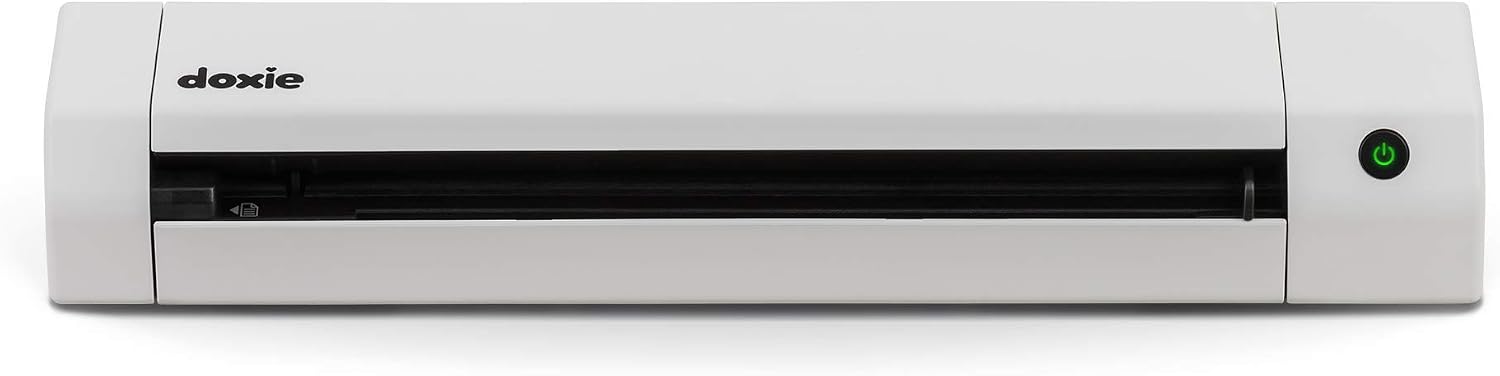
Time is valuable, and scanning speed can make a significant difference. The Doxie Go SE scans full-colour pages in just 8 seconds at up to 600 dpi, highlighting its fast, easy scanning capabilities. The CZUR Shine Ultra Pro promises ultra-fast scanning at about 1 second per page, making it perfect for large batches. For document cameras, smooth video streaming is key; the INSWAN INS-1 achieves lag-free video at up to 30 fps across all resolutions.
Portability and Power
For those who need to scan on the go, portability is a major consideration. The Doxie Go SE is exceptionally portable, described as 'tiny – the size of a rolled up magazine' and battery-powered, capable of scanning up to 400 pages per charge. The Epson Perfection V19 II is also lightweight at 3.1 lb and USB powered, enhancing its portability. The CZUR Shine Ultra Pro is foldable and lightweight at 4 lbs, making it a portable option despite its advanced features.
Connectivity and Compatibility
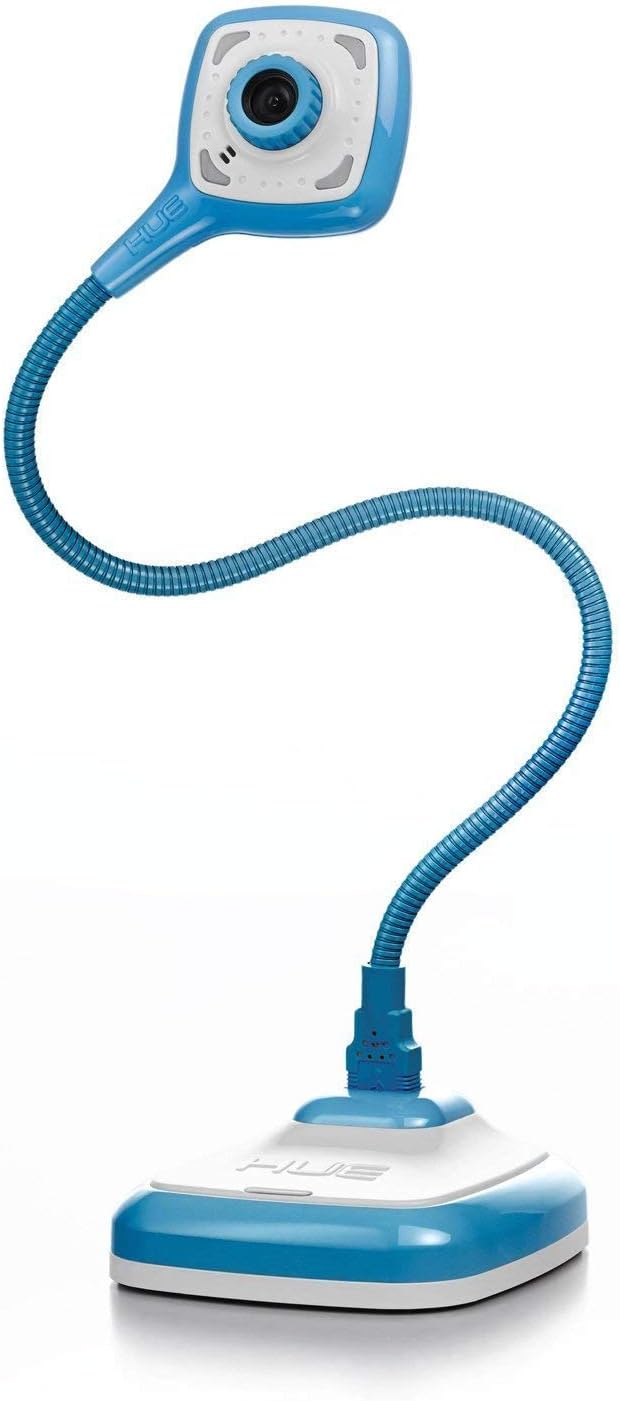
Ensuring your scanner accessory works with your existing devices is crucial. Most modern accessories offer broad compatibility. The INSWAN INS-1 is highly compatible, working seamlessly with Windows, Mac, iPad, and Chromebook, and is plug-and-play with popular webinar software like Zoom and Google Meet. The HUE HD Pro is also plug-and-play, compatible with Windows, macOS, Chrome OS, and Linux. The PenPower WorldPenScan Go supports Win/Mac/Android/iOS, offering flexibility for scanning to various devices.
Specialised Features
Beyond basic scanning, many accessories offer advanced features:
- OCR (Optical Character Recognition): This technology converts scanned images into editable text. The Doxie Go SE and CZUR Shine Ultra Book Scanner both feature award-winning ABBYY® OCR technology for creating searchable PDFs and editable documents. The CZUR Shine Ultra Pro also leverages ABBYY OCR for scanning over 180+ languages.
- Book Scanning Capabilities: For digitizing books, features like auto-flattening are invaluable. The CZUR Shine Ultra Pro has patented flattening technology for curved book pages, while the CZUR Shine Ultra Book Scanner excels with its auto-flattening technology that corrects curves and distortions, making text near the spine readable.
- Document Camera Functionality: Accessories like the INSWAN INS-1 and HUE HD Pro double as document cameras. They are perfect for remote teaching, presentations, or video conferencing, with features like built-in LED lights and microphones. The INSWAN INS-1 can even flip its image to capture your face.
- Restoration and Enhancement: For older photos and film, restoration features are key. The Epson Perfection V600 includes Digital Image Correction and Enhancement (ICE) technology to restore old, damaged film. The Epson Perfection V19 II offers Easy Photo Fix technology to restore colour to faded photos with one click.
- Translation Features: The PenPower WorldPenScan Go stands out with its multilingual translation capabilities, offering two-way speech translation for 112 languages and scan-to-translate for 55 languages.
Price & Value
Scanner accessories span a range of prices, offering different capabilities at each tier. Understanding these price points helps in finding the best value for your budget.
Budget-Friendly Options (Under £100)
In this range, you can find capable devices that cover essential scanning needs. The HUE HD Pro USB document camera is available for £58.29 and offers a flexible neck, built-in microphone, and LED lights, making it a versatile option for presentations and remote learning. The INSWAN INS-1 visualiser/document camera is priced at £89, offering 8MP ultra-high definition, auto-focus, and a supplemental LED light, suitable for detailed capture in various lighting conditions. The Epson Perfection V600 photo scanner is £91.66, providing high-quality 6400dpi scanning for film and photos, along with restoration technology.
Mid-Range Options (£100 - £200)
Stepping into this price bracket unlocks more advanced features and enhanced performance. The Epson Perfection V19 II flatbed scanner is £95.18, offering 4800 dpi and convenient one-touch scanning. The PenPower WorldPenScan Go is £119.95, a unique device that combines scanning to text, speech-to-text, and multilingual translation, ideal for language learners or those needing quick text extraction. The CZUR Shine Ultra Book Scanner is £199, a strong contender for book digitisation with its auto-flattening and advanced OCR capabilities.
Premium Options (Over £200)
At the higher end, you find specialised devices with cutting-edge technology and maximum versatility. The Doxie Go SE portable scanner is £234.13, offering computer-free scanning, battery power, and impressive software integration. The CZUR Shine Ultra Pro scanner is £275, a high-end document camera and scanner with 24MP resolution, A3 large format support, and advanced auto-flattening and OCR features.
Common Mistakes to Avoid
Navigating the scanner accessory market can present a few common pitfalls. Being aware of these can save you time, money, and frustration.
- Ignoring Compatibility: Always double-check that the accessory is compatible with your operating system (Windows, macOS, Linux, Chrome OS) and any specific software you rely on. For example, while the CZUR Shine Ultra Pro works with Windows and Mac, it's not compatible with Android and iOS.
- Overlooking Scanning Speed for High Volume Needs: If you plan to scan large volumes of documents, a slow scanner can become a bottleneck. Compare scan speeds, like the 8 seconds per page for the Doxie Go SE versus the 1 second per page for the CZUR Shine Ultra Pro, to ensure it meets your throughput requirements.
- Underestimating the Importance of OCR: For document archiving and retrieval, OCR is essential for making scanned files searchable and editable. Devices like the CZUR Shine Ultra Book Scanner with its advanced OCR technology can save significant time compared to manual retyping.
- Choosing a Document Camera for Flatbed Needs (or vice versa): Understand the primary function. Document cameras, like the INSWAN INS-1, are great for 3D objects and live viewing, while flatbed scanners, like the Epson Perfection V19 II, are better suited for delicate documents or high-resolution photo scanning.
- Not Considering Portability Requirements: If you need to scan in different locations, a portable, battery-powered scanner like the Doxie Go SE is a clear winner over a mains-powered flatbed scanner.
How to Judge Quality
Assessing the quality of a scanner accessory involves looking beyond just the specifications. Customer feedback, as reflected in ratings and review counts, provides valuable insights.
Ratings give a quick snapshot of overall satisfaction. For example, the INSWAN INS-1 has a strong rating of 4.5/5, indicating a high level of customer approval. The Doxie Go SE also scores a 4.5/5, suggesting users are very pleased with its performance. The CZUR Shine Ultra Pro and CZUR Shine Ultra Book Scanner both have solid ratings of 4.4/5 and 4.3/5 respectively.
The number of reviews provides context for the rating. A high rating based on a large number of reviews is generally more reliable. The INSWAN INS-1 has a substantial 3,556 reviews, giving its 4.5/5 rating significant weight. Similarly, the Epson Perfection V19 II has 3,001 reviews backing its 4.1/5 rating. A lower review count, such as the 433 reviews for the CZUR Shine Ultra Pro, still offers valuable feedback, but a larger volume suggests a more robust consensus.
When considering a product, look at the rating in conjunction with the review count. A 4.5/5 from over 3,000 reviews, like the INSWAN INS-1, suggests a consistently positive experience across a large user base. A 4.1/5 from 644 reviews, as seen with the HUE HD Pro, indicates good satisfaction, though perhaps with slightly more varied experiences compared to the INSWAN.
Real Options at a Glance
- INSWAN INS-1 (£89): Best for versatile document camera use with high-definition imaging.
- Epson Perfection V19 II (£95.18): Best for compact, USB-powered flatbed scanning with photo restoration.
- Doxie Go SE (£234.13): Best for ultimate portability and computer-free scanning.
- Epson Perfection V600 (£91.66): Best for high-resolution film and photo scanning with restoration.
- HUE HD Pro (£58.29): Best value document camera for general use and presentations.
- PenPower WorldPenScan Go (£119.95): Best for integrated text extraction and multilingual translation.
- CZUR Shine Ultra Pro (£275): Best for high-resolution, large-format document and book scanning with advanced features.
- CZUR Shine Ultra Book Scanner (£199): Best for efficient book scanning with auto-flattening and OCR.