Introduction: Who is an Ewriter For?
Ewriters, or electronic writing tablets, are a fascinating category of devices designed to bridge the gap between traditional pen-and-paper note-taking and the digital world. If you're someone who loves the tactile feel of writing but needs the organisational power and shareability of digital documents, an Ewriter could be a game-changer. They are ideal for students who want to take lecture notes without the distraction of a laptop, professionals who need to annotate documents on the go, or creatives who enjoy sketching and brainstorming digitally. Choosing the right Ewriter matters, as these devices are an investment in your productivity and workflow. A well-chosen Ewriter can streamline your tasks, reduce clutter, and enhance your focus.
Key Factors to Consider
When looking at Ewriters, several key features differentiate them and impact your user experience. Understanding these will help you pinpoint the device that best suits your needs.
Display Technology and Comfort
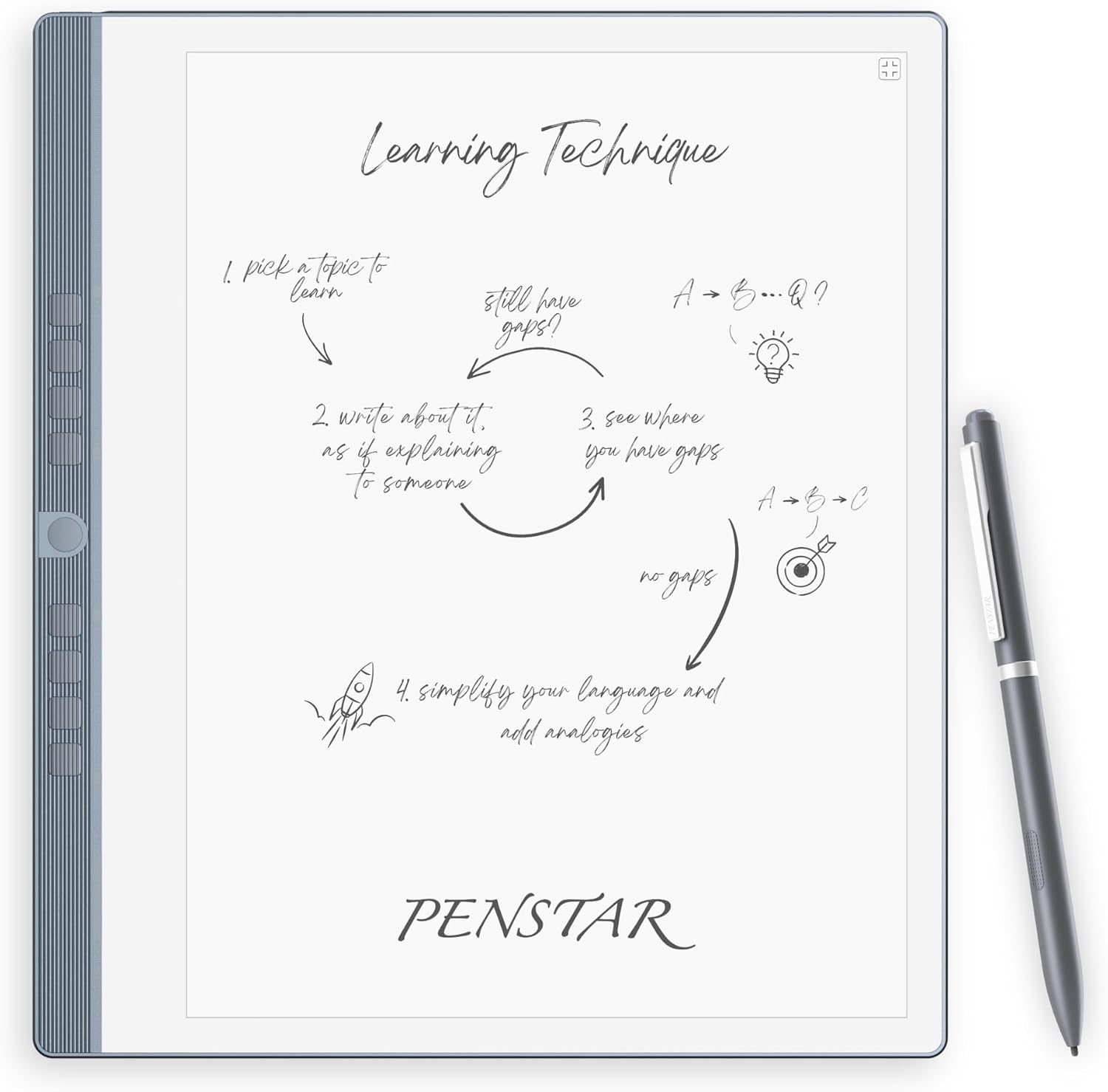
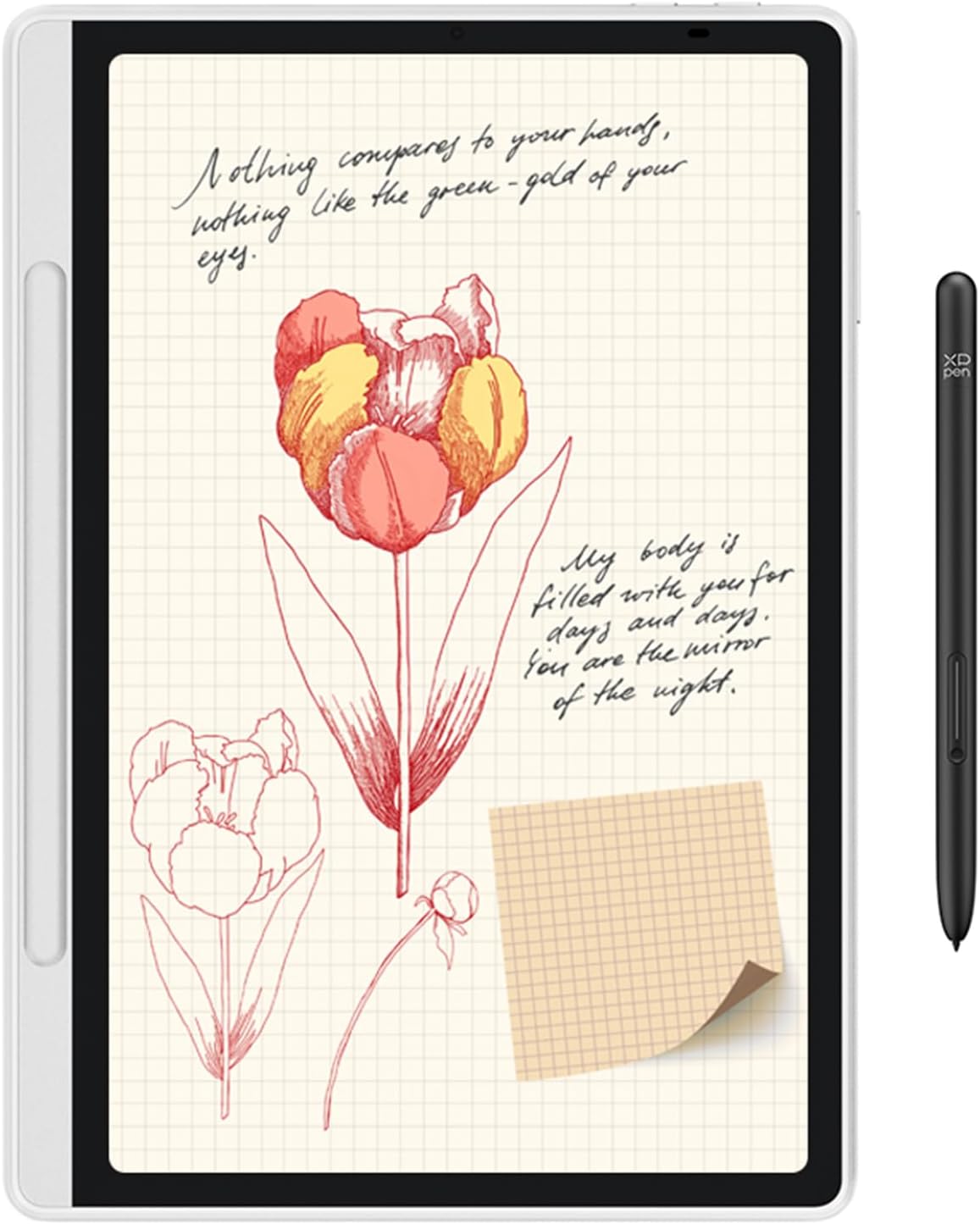
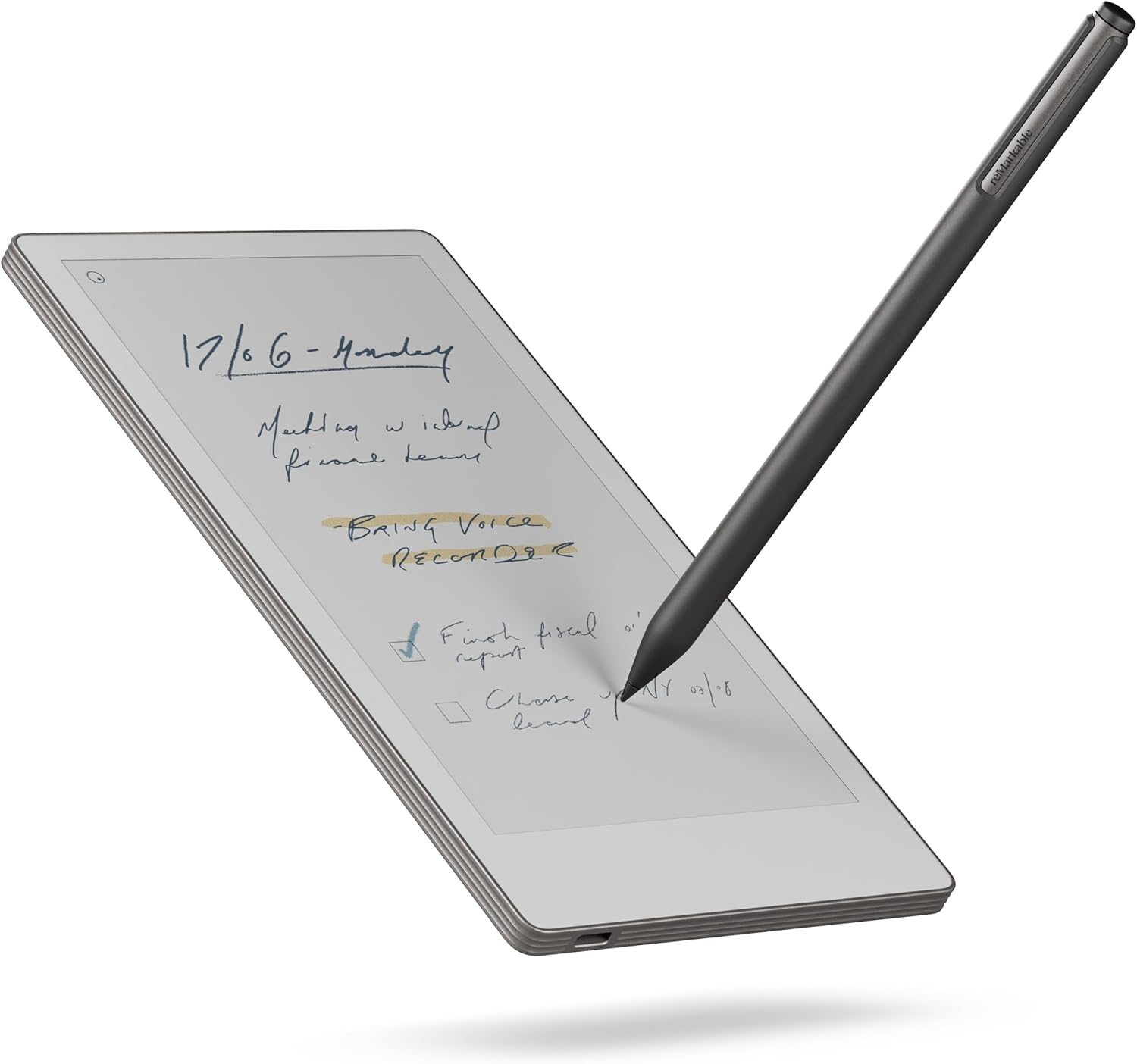
- Screen Size and Type: Most Ewriters feature E Ink displays, which mimic the look of paper. Screen sizes vary, such as the 10.3-inch displays on the Huion Ink Tablet (£329) and Penstar eNote 2 (£399), or the slightly smaller 10.9-inch screen on the XPPen Magic Note Pad (£399.99). The reMarkable Essentials Bundle (£365.83) offers a 7.3-inch display.
- Eye Comfort Features: Look for features like anti-glare screens and adjustable front lights, as seen on the Huion Ink Tablet. This is crucial for extended reading or study sessions, especially in varied lighting conditions. Some screens, like the Penstar eNote 2's, are designed as pen-only for a distraction-free experience.
- Colour and Refresh Rate: While many E Ink screens are monochrome, devices like the XPPen Magic Note Pad offer colour displays with 16.7 million colours and a 90Hz refresh rate for smoother visuals. This can be beneficial for viewing documents with colour or for light creative work.
Writing and Annotation Experience
- Stylus Technology: The quality of the stylus is paramount. Features like 8192 levels of pressure sensitivity, as offered by the Huion Ink Tablet and Penstar eNote 2, allow for nuanced stroke variations, mimicking a real pen or pencil. The XPPen Magic Note Pad boasts an impressive 16K pressure levels.
- Paper-Like Feel: Many devices aim for a "paper-like writing experience." The Huion Ink Tablet mentions a felt nib and tail eraser, while the reMarkable Essentials Bundle highlights a display that "looks, feels, and even sounds like paper."
- Note-Taking Software: The native note-taking apps are important. The XPPen Magic Note Pad features its own XPPen Notes app, designed for lectures, annotations, and art. The Penstar eNote 2 leverages MyScript technology for powerful note conversion.
Productivity and Connectivity
- Note Conversion and AI Features: The ability to convert handwritten notes to editable text is a significant advantage. The Penstar eNote 2 offers AI-powered real-time voice-to-text for 52 languages and can generate meeting summaries. The Huion Ink Tablet also supports various language recognition features for text conversion.
- Storage and Expandability: Consider how much storage you need. The Huion Ink Tablet comes with 64GB built-in storage plus expandable options, capable of holding thousands of books and documents. The XPPen Magic Note Pad offers 128GB of ROM.
- Connectivity and Cloud Sync: Check how the device syncs your notes. The Penstar eNote 2 supports Google Drive, OneDrive, and Dropbox, as well as its own app for syncing across devices. The reMarkable Essentials Bundle syncs to cloud and mobile/desktop apps.
- Battery Life: Long battery life is essential for portability. The Huion Ink Tablet boasts up to 12 days of use from its 4650mAh battery, while the XPPen Magic Note Pad has an 8000mAh battery.
Portability and Design
- Weight and Thickness: For devices intended for on-the-go use, weight and thickness are key. The Huion Ink Tablet is only 6.5mm thick and weighs 450g, making it very portable. The XPPen Magic Note Pad is 7mm thick and weighs 495g.
- Included Accessories: Some bundles offer more value. The Penstar eNote 2 comes with TWO styluses and a folio cover, while the reMarkable Essentials Bundle includes a Marker Plus pen and spare tips.
Price and Value
Ewriters span a range of price points, reflecting their features and capabilities. Understanding these tiers can help you set a realistic budget.
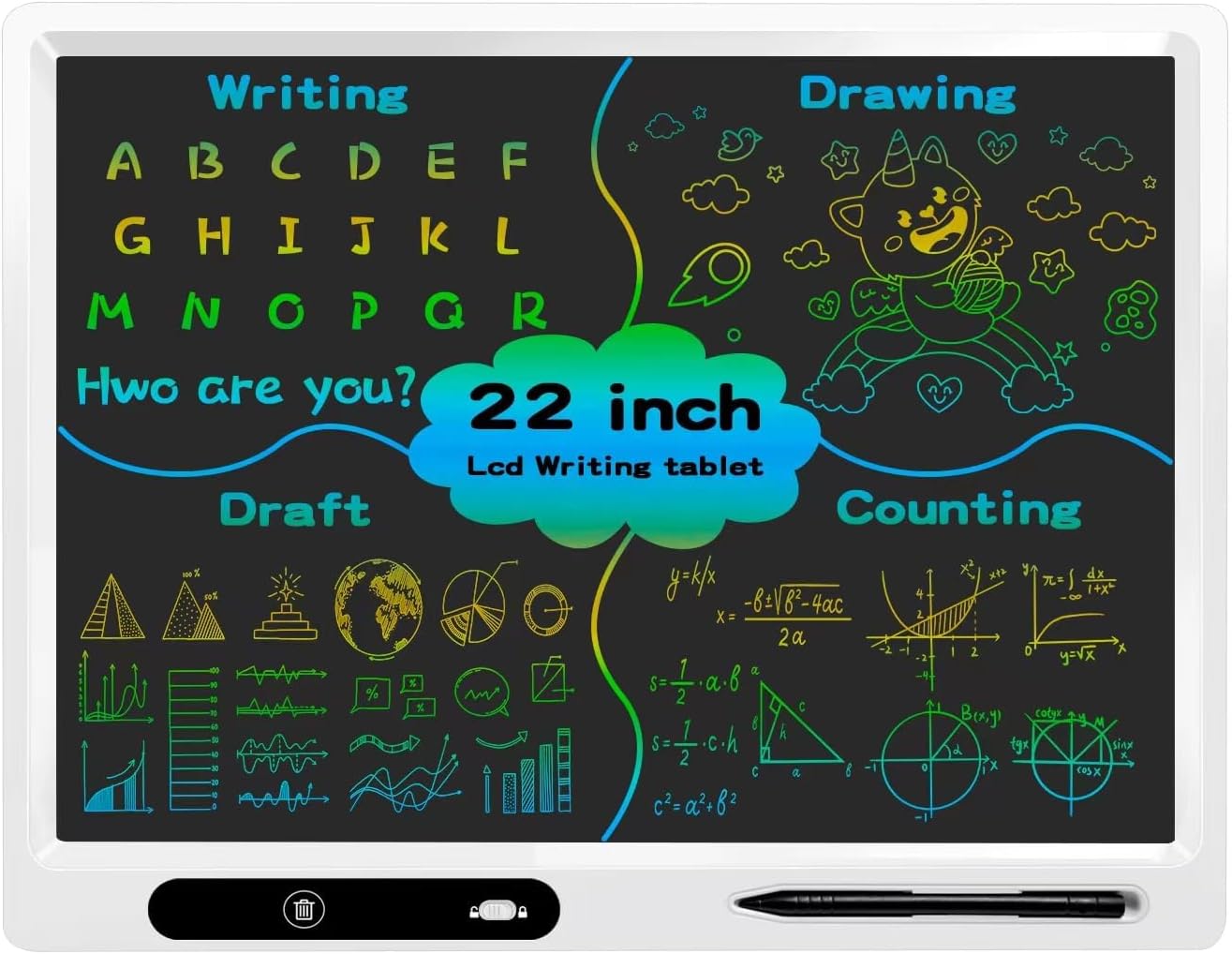
- Entry-Level (Under £50): The LCD Writing Tablet for Kids (£39.99) from surekuo sits in this category. It's a large 22-inch colourful writing board, primarily aimed at children for doodling and basic educational use. It offers a large drawing area and a stand but lacks the advanced note-taking and conversion features of higher-end models. It's a fair price for its intended audience and function.
- Mid-Range (£300 - £350): The Huion Ink Tablet at £329 falls into this bracket. It offers a good balance of features, including an eye-comfort display, substantial storage (64GB expandable), and AI-powered productivity tools like text conversion and split-screen functionality. Its "Good Deal" score of 42/100 suggests it offers solid value for its price.
- Premium (£350 - £400+): This tier includes the reMarkable Essentials Bundle (£365.83), Penstar eNote 2 (£399), and XPPen Magic Note Pad (£399.99). These devices generally offer more advanced features, such as higher pressure sensitivity (16K on XPPen), colour displays (XPPen), superior writing experiences, and robust AI capabilities (Penstar). They are priced as fair options, with Deal Scores around 36/100, indicating they are priced appropriately for their feature sets. These are aimed at users who prioritise a premium writing feel, advanced productivity tools, or specific display technologies.
Common Mistakes to Avoid
When purchasing an Ewriter, it's easy to overlook crucial details or be swayed by marketing. Here are some common pitfalls to watch out for:
- Ignoring the Stylus Quality: The writing experience is central to an Ewriter. A stylus with low pressure sensitivity or an uncomfortable grip can make the device frustrating to use. Always check the pressure levels, like the 8192 levels on the Huion Ink Tablet and Penstar eNote 2, or the 16K on the XPPen Magic Note Pad.
- Overlooking Software Features: A beautiful screen is only part of the equation. Consider how well the note-taking software works, its ability to convert handwriting to text, and its organisation capabilities. The AI features on the Penstar eNote 2, for example, add significant value for professionals.
- Not Considering Portability Needs: If you plan to carry your Ewriter everywhere, its weight and size are critical. A device like the Huion Ink Tablet (450g, 6.5mm thick) is far more portable than a larger, heavier model might be.
- Assuming All E Ink is the Same: While E Ink is the core technology, screen quality, refresh rates (like the 90Hz on the XPPen Magic Note Pad), and colour capabilities can vary significantly. Pay attention to details like the "PureView Display" on the Penstar eNote 2 or the "AG nano-etched display" on the XPPen Magic Note Pad.
- Forgetting Storage Requirements: If you plan to store many documents, e-books, or sketches, ensure the device has adequate internal storage and ideally, expandable options. The 64GB on the Huion Ink Tablet or 128GB on the XPPen Magic Note Pad are good starting points.
How to Judge Quality
When evaluating an Ewriter, rely on the verified data available to make an informed decision. Aggregate ratings and review counts provide valuable insights into user satisfaction.
- Aggregate Ratings: Look at the overall rating. For instance, the Huion Ink Tablet has a strong rating of 4.4/5. The Penstar eNote 2 and XPPen Magic Note Pad both have 4.3/5 ratings. The reMarkable Essentials Bundle is rated 4.1/5, and the LCD Writing Tablet for Kids has a 4/5 rating. Higher ratings generally indicate a more satisfied user base.
- Review Counts: The number of reviews provides context for the rating. A 4.4/5 rating from 1,381 reviews (Huion Ink Tablet) is often more indicative of consistent performance than a 4.5/5 rating from just 10 reviews. The Huion Ink Tablet has the highest review count among the listed Ewriters, suggesting a larger pool of user experiences informing its rating. The LCD Writing Tablet for Kids has 140 reviews, while the reMarkable Essentials Bundle has 217, and both the Penstar eNote 2 and XPPen Magic Note Pad have around 237-248 reviews.
- Focus on Specifics: While aggregate scores are useful, consider what the *features* are that users seem to appreciate. The "Known Pros" sections in the data sheets highlight key selling points that resonate with buyers, such as "Eye-Comfort Display" for the Huion or "Paper-First E Ink Experience" for the Penstar.
Real Options at a Glance
Here’s a quick look at the Ewriters we've discussed, highlighting their key strengths:
- Huion Ink Tablet (£329): Best for a balanced feature set and strong user feedback, with excellent eye-comfort features.
- Penstar eNote 2 (£399): Best for professionals needing advanced AI and note conversion, with a focus on a paper-like writing experience.
- XPPen Magic Note Pad (£399.99): Best for those desiring a colour E Ink display with a high refresh rate and extensive colour options.
- reMarkable Essentials Bundle (£365.83): Best for a distraction-free, paper-like writing and meeting experience in a compact form factor.
- LCD Writing Tablet for Kids (£39.99): Best for children's creative drawing and basic educational use, offering a large, affordable screen.