Introduction
Welcome to our comprehensive guide to printer accessories! Whether you're a student needing to print revision notes, a home user wanting to preserve cherished memories, or a small business owner requiring reliable supplies, choosing the right accessories is crucial. This category encompasses everything from ink and toner to portable photo printers and label makers. Making a careful selection ensures you get the best performance, value, and longevity from your printing setup. We'll walk you through the key considerations, helping you avoid common pitfalls and make a purchase you'll be happy with.
Key Factors to Consider
When looking at printer accessories, several key factors will influence your decision. Understanding these will help you narrow down your options and find the perfect fit for your needs.
Type of Printer Accessory
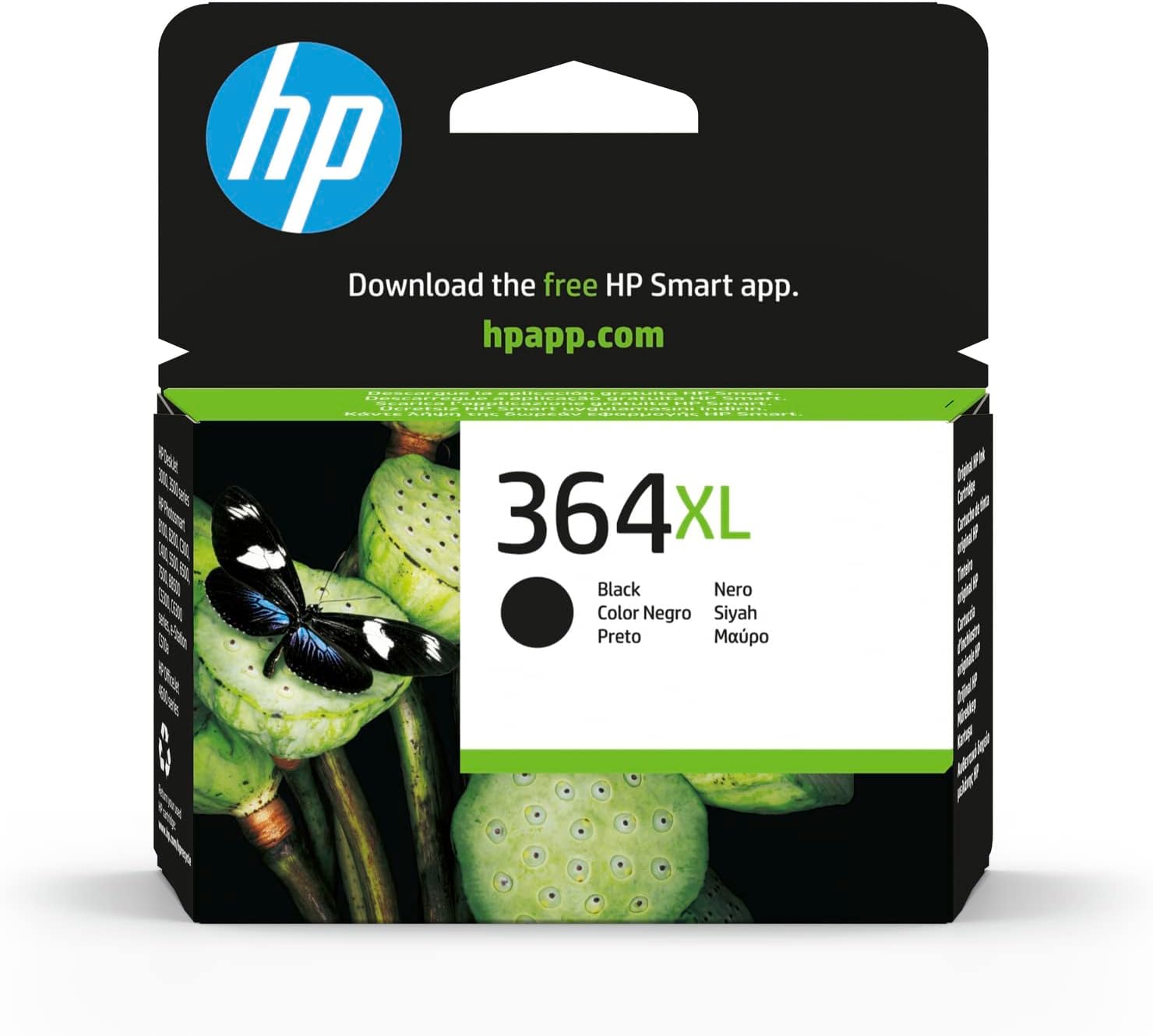
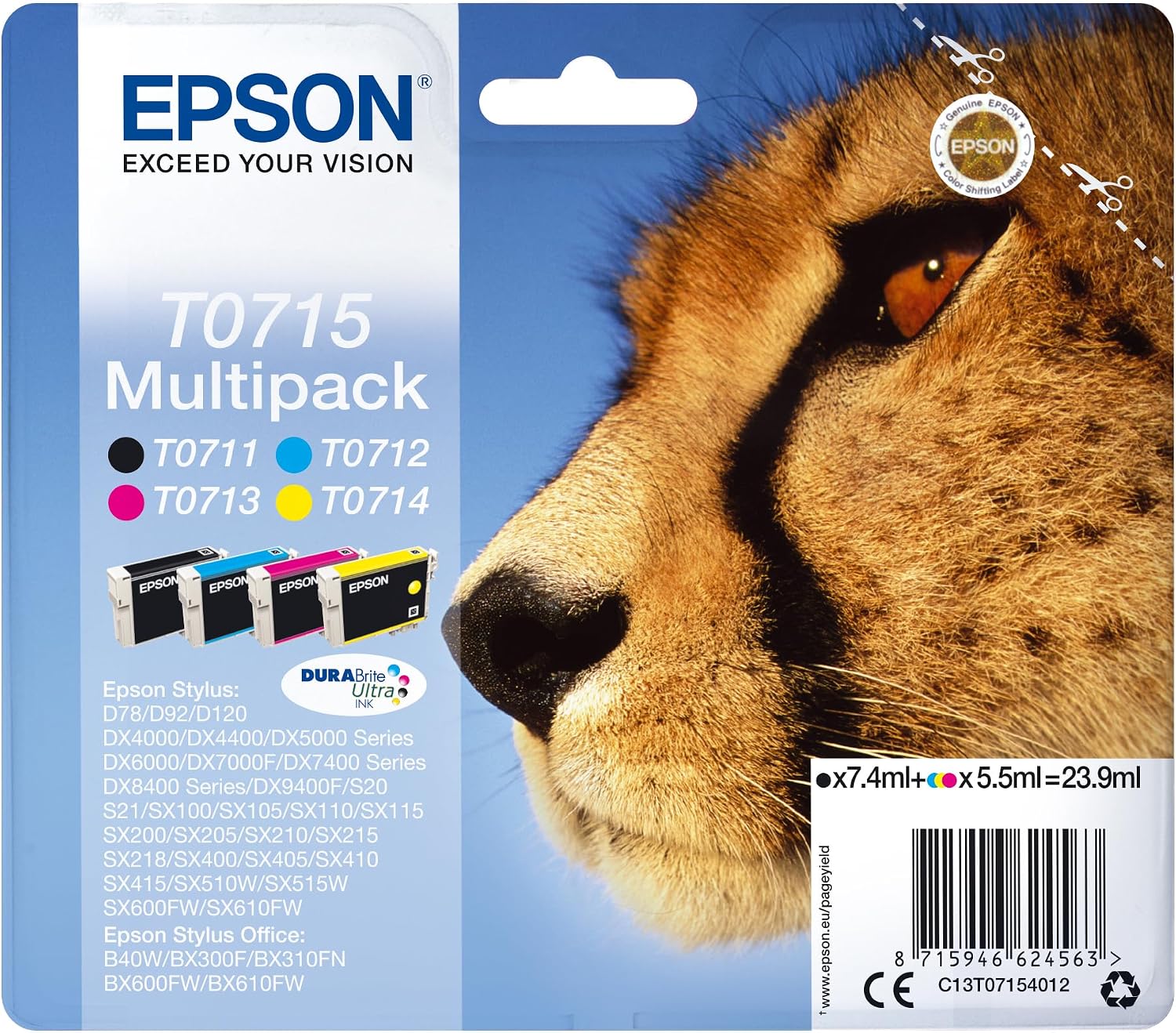
- Ink & Toner Cartridges: The lifeblood of most printers. Ensure compatibility with your specific printer model. For example, the HP CN684EE 364XL Black Ink Cartridge (£35.12) offers approximately 290 pages at 5% coverage, while the Epson T0715 Black Cyan Magenta Yellow Inkjet Cartridge Value Pack (£65.26) provides varying yields per colour (Black 250, Cyan 495, Magenta 280, Yellow 480).
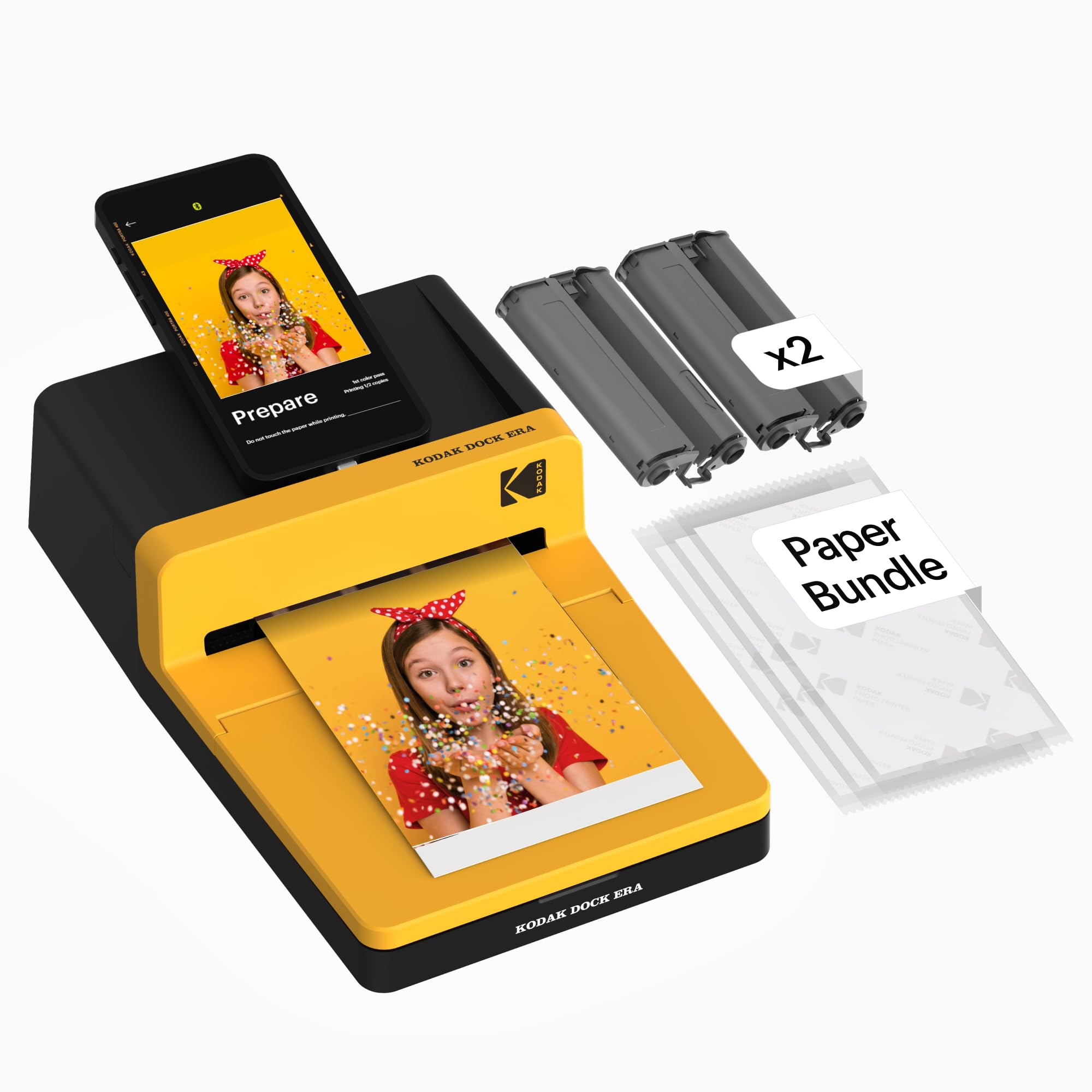
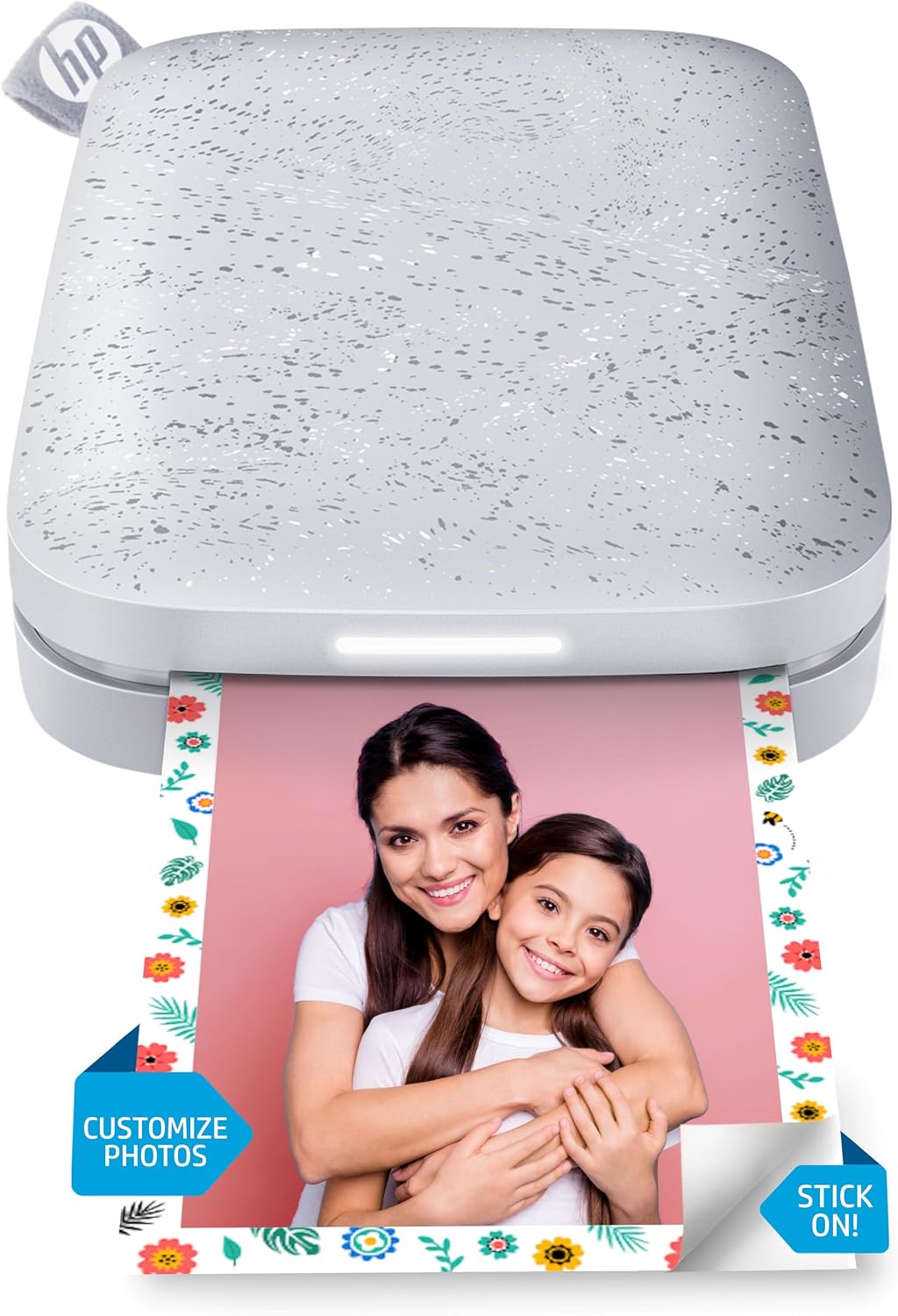
- Portable Photo Printers: These devices are designed for on-the-go printing of photos, often directly from your smartphone. The KODAK Dock Era 4x6'' Desktop Photo Printer (£139.99) uses 4PASS dye sublimation for high-quality 4x6” prints and features a docking station for charging. The HP Sprocket Portable Photo Printer (2nd Edition) (£74.99) produces smaller 2x3" sticky-backed photos and offers Bluetooth 5.0 connectivity.
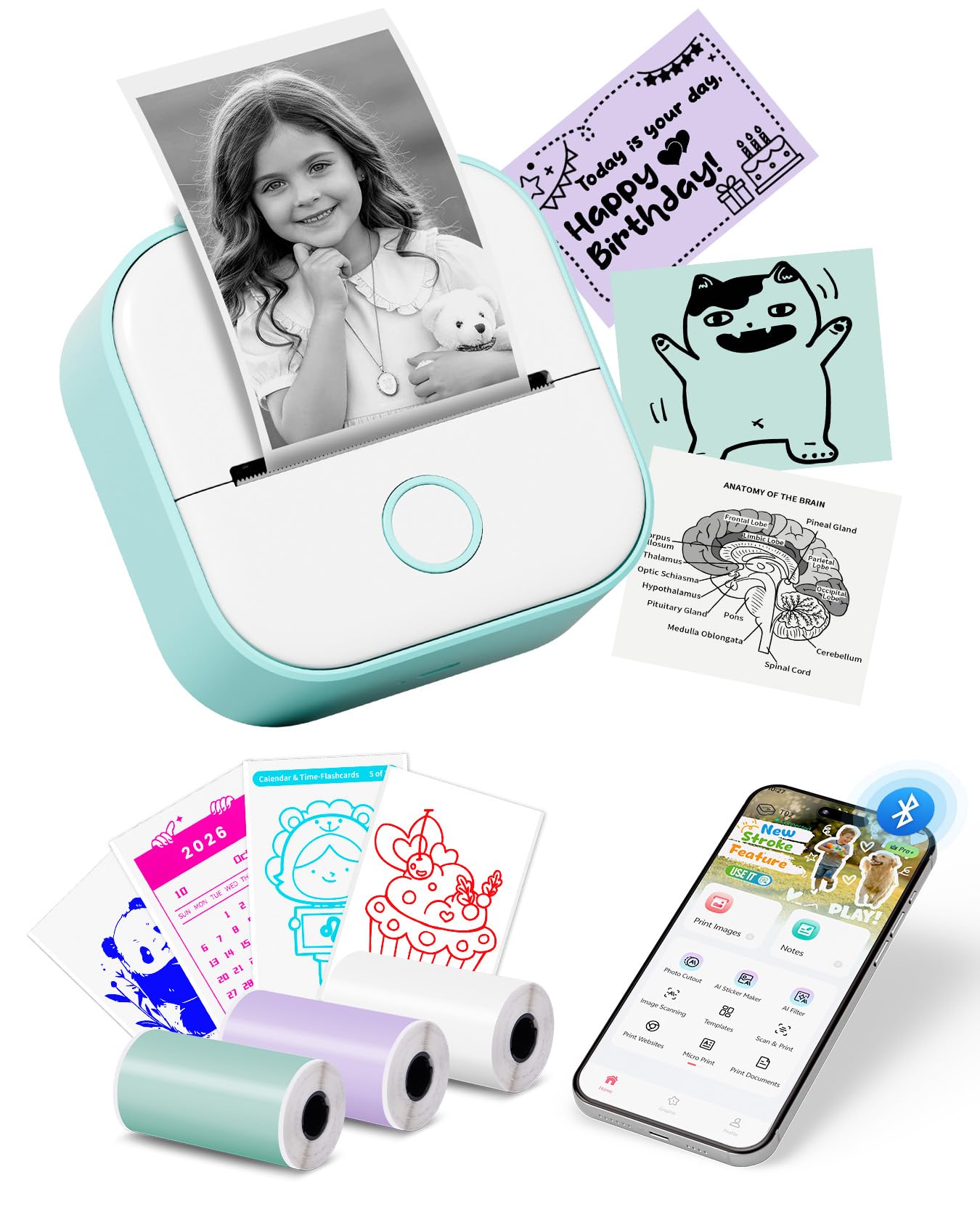
- Label & Sticker Printers: Ideal for organisation, crafting, or small business needs. The Memoking T02 Mini Thermal Printer (£38.36) is a compact, inkless option that connects via Bluetooth and offers various creative features through its app.
Connectivity and Compatibility
- Wireless & Bluetooth: Many modern accessories offer wireless or Bluetooth connectivity for easy printing from smartphones and tablets. The KODAK Dock Era connects via Bluetooth using the KODAK Photo Printer app for iOS and Android. The HP Sprocket also uses Bluetooth (5.0) and is compatible with Android 5+ / iOS 10+. The Memoking T02 connects via Bluetooth in 2 seconds to iOS/Android devices.
- App Integration: Some devices rely heavily on companion apps for functionality and customization. The KODAK Dock Era uses the KODAK Photo Printer app for editing and printing. The HP Sprocket app allows for sharing, personalization, and even augmented reality features. The Memoking T02 boasts a Smart AI App with AI image generation and template libraries.
- Device Compatibility: Always check that the accessory is compatible with your specific smartphone, tablet, or computer operating system.
Print Quality and Technology
- Dye Sublimation: Technologies like the 4PASS dye sublimation used by the KODAK Dock Era produce smooth, detailed prints with a protective lamination layer, designed to resist fading, water, and fingerprints.
- Zink (Zero Ink): The HP Sprocket uses Zink paper, which contains colourful crystals and a protective layer, meaning no ink is required. Prints are smudge-proof and have a peel-and-stick backing.
- Thermal Printing: The Memoking T02 is a thermal printer, meaning it requires no ink. It prints directly onto thermal paper, with print durability varying from 2 to 20 years or permanent, depending on the paper type.
- Inkjet vs. Laser: For traditional cartridge-based printing, consider the technology. Inkjet cartridges, like the HP CN684EE 364XL or the Epson T0715 multipack, are common for colour printing. Mono laser printers, such as the Brother HL-L2400DWE (£95.82), are typically faster for text documents and offer automatic duplex printing.
Print Yield and Cost Per Print
- Page Yield: This indicates how many pages a cartridge can print. The HP CN684EE 364XL yields approximately 290 pages. The HP SD367AE 21/22 multipack offers a black yield of 190 pages and a tri-colour yield of 165 pages. For the Epson T0715 value pack, yields are 250 (black), 495 (cyan), 280 (magenta), and 480 (yellow).
- Cost-Effectiveness: Consider the initial price against the expected page yield to determine the long-term value. High-yield cartridges or value packs can often offer a lower cost per print.
Price and Value
Printer accessories come in a wide range of prices, and understanding these tiers can help you find the best value for your budget.
- Budget-Friendly Options (Under £50): In this range, you'll find portable label makers and smaller photo printers. The Memoking T02 Mini Thermal Printer is available for £38.36, offering an inkless, portable solution for labels and stickers.
- Mid-Range Options (£50 - £150): This bracket includes more capable portable photo printers and some entry-level home printers or essential ink/toner cartridges. The HP Sprocket Portable Photo Printer (2nd Edition) sits at £74.99, providing a compact photo printing solution. The Brother HL-L2400DWE Mono Laser Printer is priced at £95.82, offering fast, automatic duplex printing for documents. High-yield ink cartridges also fall into this category, such as the HP CN684EE 364XL at £35.12.
- Premium Options (Over £150): Higher-end photo printers or larger-capacity ink/toner solutions are found here. The KODAK Dock Era 4x6'' Desktop Photo Printer is priced at £139.99 (list price £149.99), offering a dedicated home photo printing station with docking capabilities. Value ink multipacks, like the Epson T0715 at £65.26, also represent a significant investment for ongoing printing needs.
When evaluating value, always consider the cost per print for consumables like ink and toner, and the features offered for portable printers. A slightly higher upfront cost might be more economical in the long run.
Common Mistakes to Avoid
Navigating the printer accessory market can have its challenges. Being aware of common pitfalls can save you time, money, and frustration.
- Ignoring Compatibility: The most frequent mistake is purchasing an ink or toner cartridge that isn't compatible with your specific printer model. Always double-check the model numbers and compatibility lists. For instance, the HP CN684EE 364XL is for specific HP models, as are the cartridges in the HP SD367AE 21/22 multipack. Similarly, the Epson T0715 is designed for a range of Epson Stylus and DX models.
- Buying Non-Genuine Cartridges (with caution): While often cheaper, third-party cartridges can sometimes lead to poor print quality, printer errors, or even damage your printer. Genuine cartridges, like those from HP or Epson, are designed to work seamlessly with their respective machines, offering reliability.
- Overlooking Print Yield: Opting for a cheaper cartridge with a lower page yield might seem economical initially, but it can lead to more frequent replacements and a higher overall cost. Always compare the page yield against the price. The HP CN684EE 364XL offers around 290 pages, whereas the HP SD367AE 21/22 multipack offers lower yields per cartridge (190 black, 165 tri-colour).
- Misjudging Portable Printer Needs: Portable printers like the HP Sprocket or Memoking T02 are fantastic for specific uses (e.g., small photos, labels), but they are not replacements for a full-sized home or office printer. Understand their limitations regarding print size and speed. The KODAK Dock Era, while also a photo printer, offers a larger 4x6" print size compared to the Sprocket's 2x3".
- Forgetting Consumable Costs: For printers like the Brother HL-L2400DWE, consider the ongoing cost of toner. While the printer itself might be reasonably priced at £95.82, factor in the price of replacement toner cartridges for long-term ownership.
How to Judge Quality
Assessing the quality of printer accessories relies on understanding the available data, particularly user ratings and review counts. This provides valuable insight without needing personal testing.
- Aggregate Ratings: Look for products with consistently high ratings. For example, the HP CN684EE 364XL has a strong rating of 4.5/5. The Epson T0715 ink cartridge value pack also scores highly at 4.6/5. These high scores suggest general user satisfaction with print quality and reliability.
- Review Volume: A high number of reviews indicates that many people have purchased and used the product, providing a more robust picture of its performance. The KODAK Dock Era has a substantial 19,716 reviews, and the HP Sprocket has 18,485 reviews. A large volume of reviews, combined with a good rating, builds confidence in the product's quality.
- Contextualising Reviews: Use the review count to contextualise the rating. A 4.1/5 rating from nearly 20,000 reviews (like the KODAK Dock Era) is generally more reassuring than a 4.8/5 from just 50 reviews. The data provided doesn't allow for analysis of specific review content, but the aggregate numbers offer a strong indicator of overall customer experience.
- Feature Alignment: Ensure the product's features align with your expectations based on its rating. For instance, the Memoking T02, with a 4.2/5 rating from 7,941 reviews, is highlighted for its AI app and portability, suggesting users appreciate its creative and convenient features. The Brother HL-L2400DWE, rated 4.4/5 from 5,584 reviews, emphasizes its speed (up to 30PPM) and automatic duplex printing, features likely contributing to its positive reception.
Real Options at a Glance
- KODAK Dock Era 4x6'' Desktop Photo Printer: Best for high-quality, docked smartphone photo printing. (4.1/5 from 19,716 reviews, £139.99)
- HP Sprocket Portable Photo Printer (2nd Edition): Best for pocket-sized, sticky-backed photo prints on the go. (4.4/5 from 18,485 reviews, £74.99)
- HP CN684EE 364XL High Yield Ink Cartridge, Black: Best for reliable black ink with good page yield. (4.5/5 from 8,001 reviews, £35.12)
- Memoking T02 Mini Thermal Printer: Best for portable, inkless label and sticker making with app creativity. (4.2/5 from 7,941 reviews, £38.36)
- Epson T0715 Inkjet Cartridge Value Pack: Best for a comprehensive set of genuine Epson colour inks with varied yields. (4.6/5 from 7,600 reviews, £65.26)
- Brother HL-L2400DWE Mono Laser Printer: Best for fast, automatic duplex mono printing with optional toner subscription. (4.4/5 from 5,584 reviews, £95.82)
- HP SD367AE 21/22 Original Ink Cartridges, Black and Tri-Colour: Best for essential black and colour ink for compatible HP DeskJet models. (4.4/5 from 4,763 reviews, £65.74)