Introduction
In today's connected world, a robust home network is no longer a luxury – it's a necessity. Whether you're streaming 4K movies, engaging in online gaming, working from home, or simply browsing the web, a reliable internet connection is paramount. Networking devices, such as Wi-Fi extenders and powerline adapters, are designed to boost and stabilise your signal, ensuring you can enjoy seamless connectivity throughout your home. Choosing the right device can significantly enhance your online experience, eliminating frustrating dead zones and buffering. This guide will help you understand the key factors to consider, navigate pricing, avoid common mistakes, and make an informed decision based on real-world products and their verified specifications.
Key Factors to Consider
When selecting a networking device, several technical specifications and features will directly impact performance and suitability for your needs. Understanding these will empower you to make the best choice for your home.
Connectivity Type and Speed
- Wi-Fi Extenders/Boosters: These devices work by picking up your existing Wi-Fi signal and rebroadcasting it to extend its range. They are ideal for eliminating dead zones in larger homes or areas with thick walls.
- Powerline Adapters: These use your home's existing electrical wiring to transmit network data. They are a great solution when Wi-Fi signals struggle to penetrate certain areas, offering a stable wired connection without new cabling.
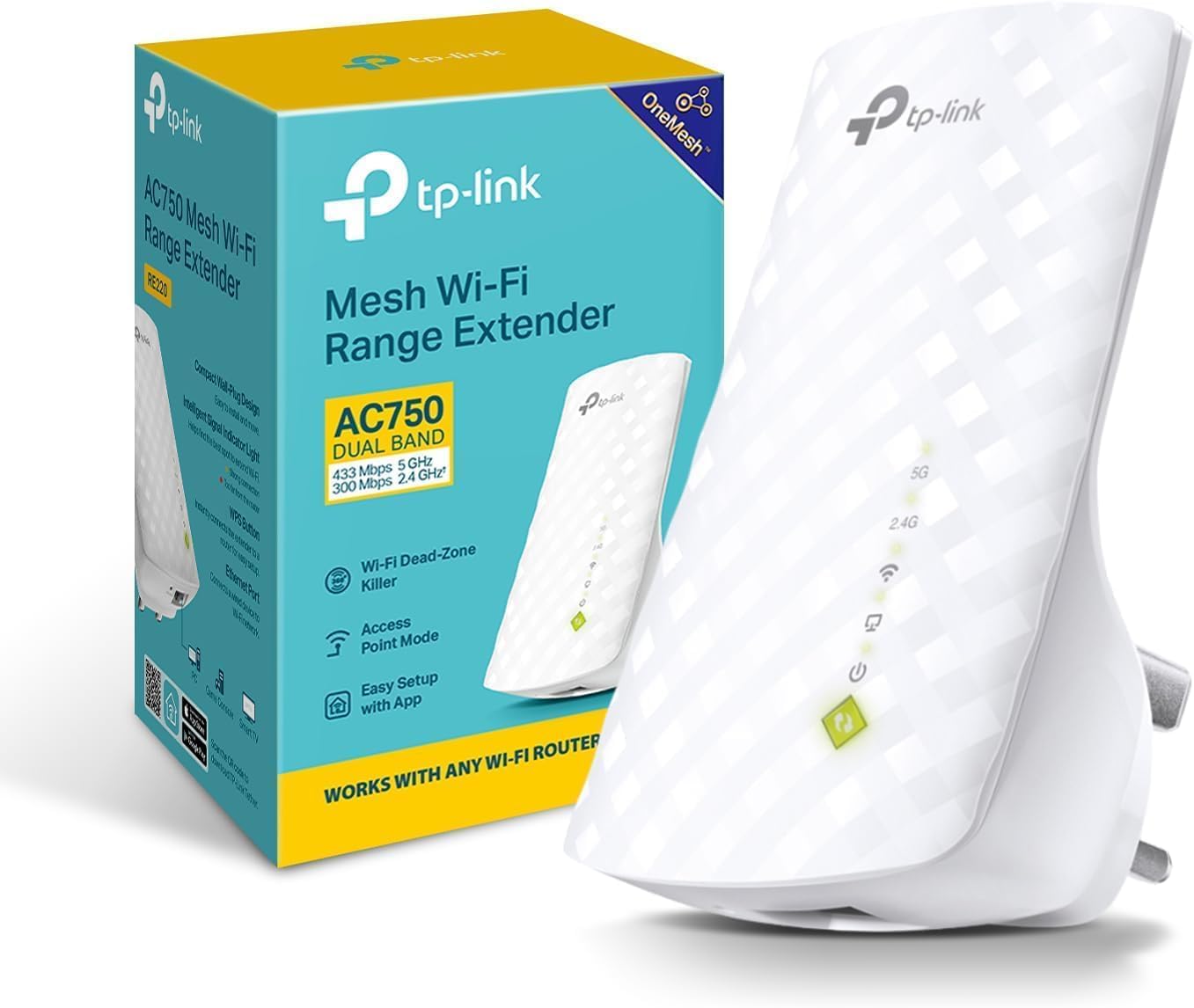
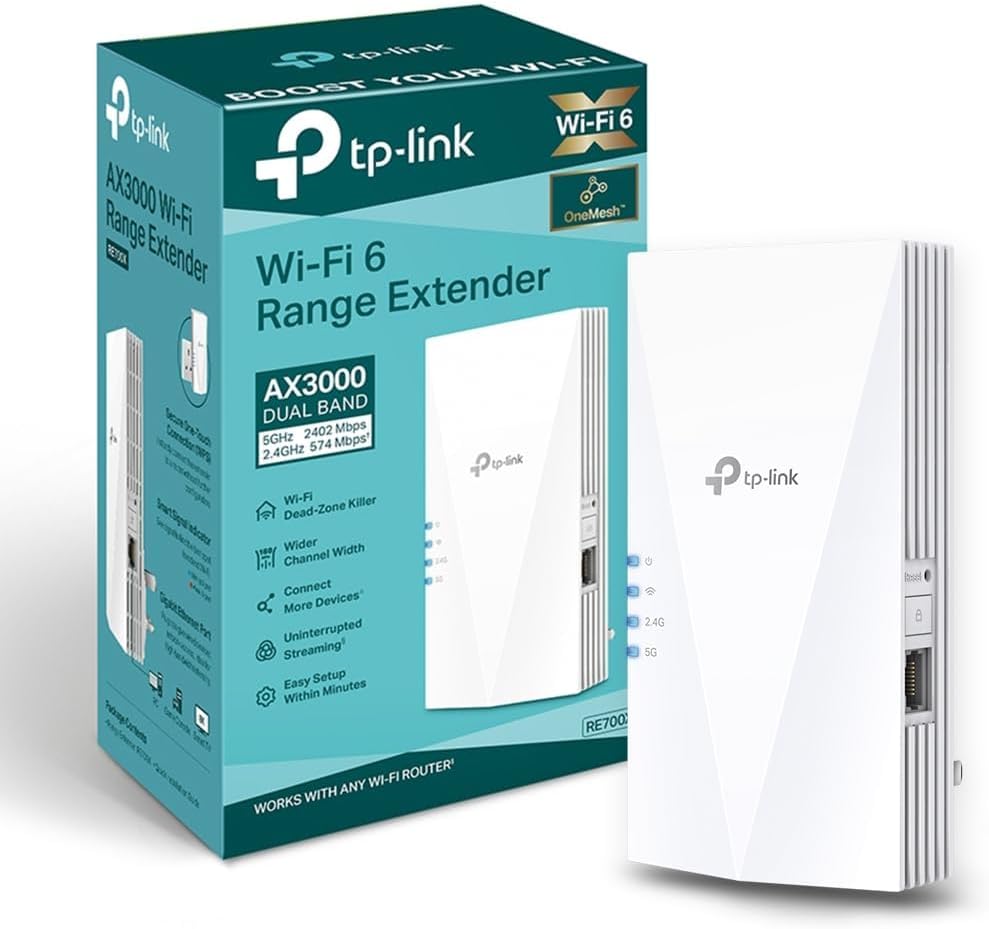
- Speed Ratings (Mbps): Look for the maximum theoretical speeds. For example, the TP-Link RE220 offers Dual Band speeds up to 750Mbps, while the TP-Link RE700X boasts WiFi 6 speeds up to AX3000Mbps (2402 Mbps on 5 GHz and 574 Mbps on 2.4 GHz). The devolo Magic 2 WiFi 6 next reaches up to 3,000 Mbps. Higher numbers generally indicate faster potential performance, crucial for demanding tasks like 4K streaming or online gaming.
Wi-Fi Standards and Bands
- Dual-Band vs. Tri-Band: Most modern devices operate on dual bands (2.4GHz and 5GHz). The 2.4GHz band offers a wider range but slower speeds, while the 5GHz band provides faster speeds but has a shorter range. Some advanced devices may offer tri-band capabilities for even greater capacity.
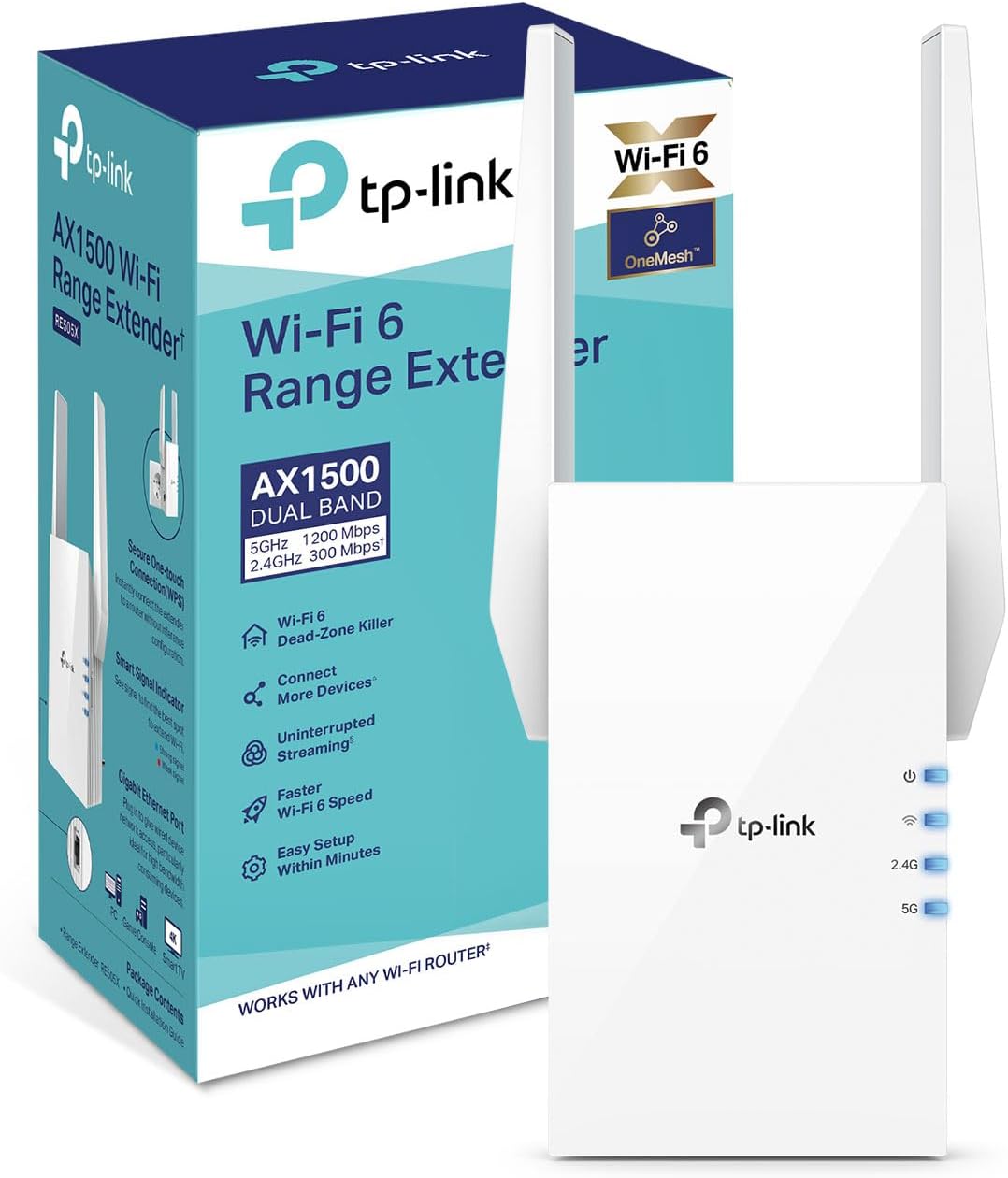
- Wi-Fi 6 (802.11ax): This is the latest standard, offering faster speeds, greater capacity, and improved efficiency, especially in environments with many connected devices. Products like the TP-Link RE700X and TP-Link RE505X support Wi-Fi 6.
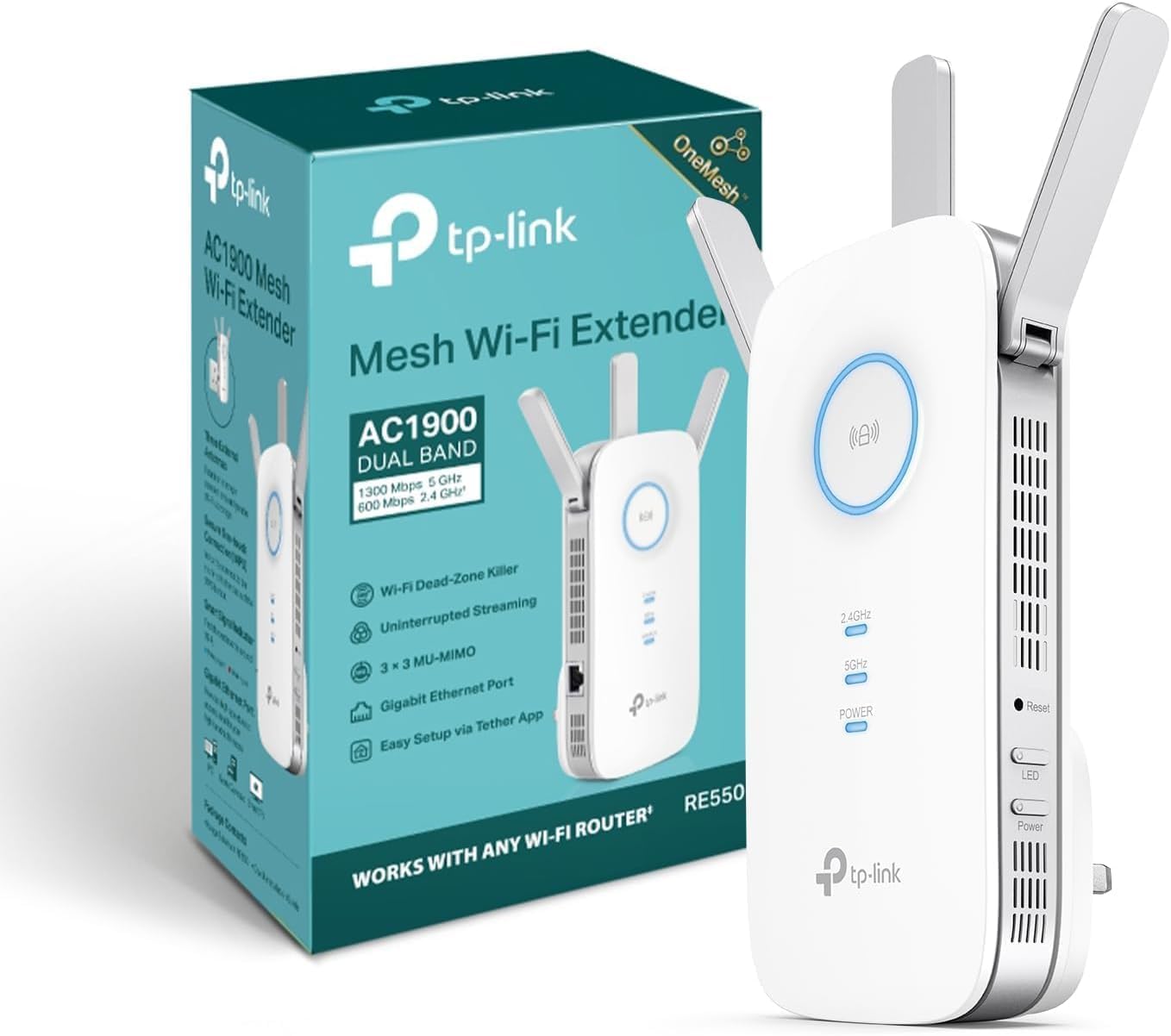
- Compatibility: Ensure the device is compatible with your existing router and other devices. Most TP-Link extenders, like the TP-Link RE550, are compatible with any Wi-Fi router or access point and support EasyMesh for seamless whole-home coverage when paired with a compatible router.
Ports and Additional Features
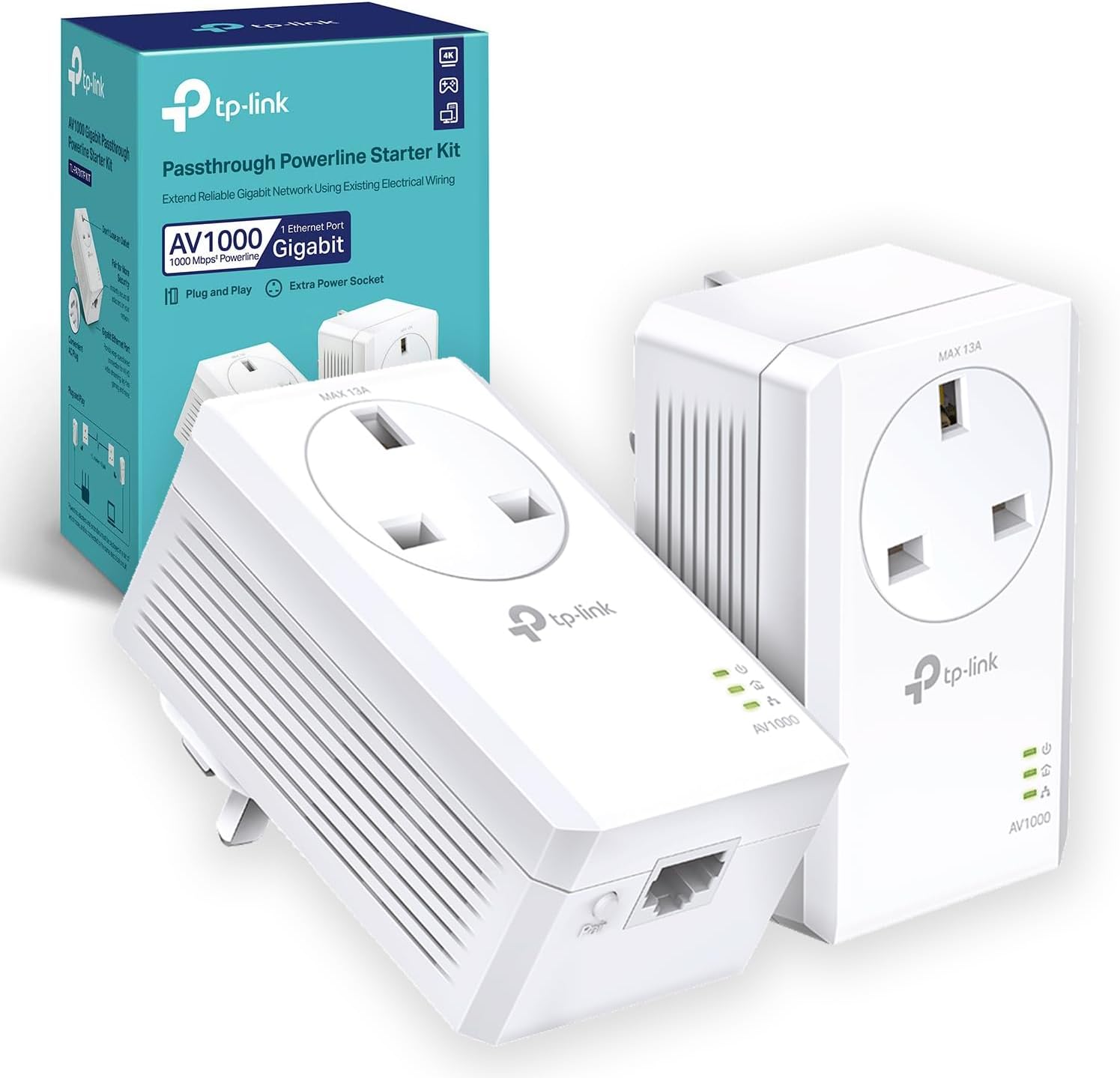
- Ethernet Ports: Many extenders and powerline adapters include Ethernet ports. These allow you to connect wired devices like smart TVs, game consoles, or PCs directly to the network, providing a more stable connection than Wi-Fi for these devices. The TP-Link TL-PA7017PKIT boasts Gigabit Ports for high-speed wired connections. The devolo Magic 2 WiFi 6 next and devolo Magic 2-2400 Lan Starter Kit also feature Gigabit Ethernet ports.
- Access Point (AP) Mode: Some devices, such as the TP-Link RE700X and TP-Link RE550, can function as an Access Point. This allows you to convert a wired network connection into a Wi-Fi hotspot.
- Mesh Compatibility: EasyMesh compatibility, found in devices like the TP-Link RE700X and TP-Link RE550, allows you to create a unified mesh network with compatible routers for seamless roaming throughout your home.
- Integrated Power Socket: Powerline adapters like the TP-Link TL-PA7017PKIT often feature an integrated power socket, meaning you don't lose the use of a wall outlet.
Setup and Management
- Ease of Setup: Look for devices with simple setup processes, such as plug-and-play functionality or app-based configuration. The TP-Link Tether app is frequently mentioned for easy setup and management across several TP-Link models like the RE700X, RE550, and RE505X.
- App Control: Mobile apps can provide convenient control over network settings, device management, and firmware updates.
Price and Value
Networking devices span a range of prices, with features and performance scaling accordingly. Understanding these tiers can help you find the best value for your budget.
- Budget-Friendly (£30-£50): In this range, you'll find capable Wi-Fi extenders offering good performance for smaller to medium-sized homes. The TP-Link RE220 at £39.99 provides AC750 speeds and an Ethernet port. The TP-Link RE505X is available for £36.09, offering Wi-Fi 6 speeds up to 1.5 Gbps. Powerline kits like the TP-Link TL-PA7017PKIT are also in this bracket at £49.99, delivering up to 1000 Mbps via your home's wiring.
- Mid-Range (£50-£100): This segment often includes devices with higher speeds, advanced features like Wi-Fi 6, and better range. The TP-Link RE700X at £49.99 offers WiFi 6 AX3000Mbps and EasyMesh compatibility. The TP-Link RE550, priced at £46.99, provides AC1900 speeds and extensive coverage up to 1,115 m² (12,000 sq. ft.). Powerline kits like the devolo Magic 2-2400 Lan Starter Kit at £88.44 offer high speeds for demanding applications.
- Premium (£100+): Higher-priced devices typically offer the latest technology, superior performance, and solutions for very large or complex network needs. The devolo Magic 2 WiFi 6 next Starter Kit is priced at £183.60, delivering up to 3,000 Mbps via Wi-Fi 6 and including two Gigabit Ethernet ports. The devolo Magic 2-2400 Lan Triple Starter Kit at £124.05 provides three Gigabit LAN ports for multiple wired connections.
Common Mistakes to Avoid
Making an informed purchase involves being aware of potential pitfalls that can lead to dissatisfaction or underperformance.
- Overestimating Speed Needs: While high Mbps ratings are attractive, ensure they align with your internet service plan and actual usage. A 1000 Mbps powerline adapter won't make your 50 Mbps broadband faster, but it will provide a stable connection for that speed.
- Ignoring Compatibility: Always check if the device is compatible with your existing router and network setup. For powerline adapters, ensure they are on the same electrical circuit. The devolo Magic series, for instance, requires other Magic adapters and is not compatible with older dLAN products.
- Underestimating Coverage Requirements: For large homes or those with multiple floors and thick walls, a single extender might not be enough. Consider the maximum coverage area advertised, such as the 1,115 m² (12,000 sq. ft.) offered by the TP-Link RE550.
- Assuming All Ethernet Ports Are Equal: While many devices offer Ethernet ports, check if they are Gigabit Ethernet (1000 Mbps) for optimal wired performance, as seen on the TP-Link TL-PA7017PKIT and the devolo Magic kits.
- Ignoring Setup Nuances: Some routers, like certain Vodafone or SKY models, may require manual setup for Wi-Fi extenders via an app or web interface, as noted for the TP-Link RE220.
How to Judge Quality
Customer feedback and aggregate ratings provide valuable insights into a product's real-world performance and reliability. It's crucial to interpret this data correctly.
When evaluating a product, pay close attention to its overall rating and the number of reviews it has received. A high rating from a substantial number of reviews generally indicates consistent customer satisfaction. For instance, the TP-Link RE220 has a rating of 4.2/5 from an impressive 38,490 reviews, suggesting widespread positive user experiences. Similarly, the TP-Link RE700X holds a 4.3/5 rating from 23,881 reviews, indicating strong performance and user approval. The TP-Link RE550 also scores well with a 4.4/5 rating based on 7,446 reviews. Even devices with slightly lower ratings, like the devolo Magic kits with a 4/5 rating, have a significant review count (1,885 and 1,881 respectively), providing a solid basis for judging their quality and performance in diverse home environments. Always consider both the score and the volume of reviews to gauge reliability.
Real Options at a Glance
- TP-Link RE220 (£39.99): Best for budget-conscious users needing basic Wi-Fi extension with an Ethernet port.
- TP-Link RE700X (£49.99): Best for those wanting to upgrade to Wi-Fi 6 speeds and EasyMesh compatibility.
- TP-Link RE550 (£46.99): Best for large homes requiring extensive coverage and AC1900 speeds.
- TP-Link TL-PA7017PKIT (£49.99): Best for stable, high-speed wired connections using existing powerlines.
- TP-Link RE505X (£36.09): Best value Wi-Fi 6 extender with a Gigabit Ethernet port.
- devolo Magic 2 WiFi 6 next Starter Kit (£183.60): Best for high-performance Wi-Fi 6 powerline networking across multiple floors.
- devolo Magic 2-2400 Lan Starter Kit (£88.44): Best for stable, ultra-fast wired connections ideal for gaming and streaming.
- devolo Magic 2-2400 Lan Triple Starter Kit (£124.05): Best for multiple wired devices needing high-speed, stable connections via powerline.