Introduction
In today's digitally driven world, a monitor is more than just a screen; it's your window to productivity, entertainment, and creativity. Whether you're a professional needing a reliable workstation, a gamer seeking an immersive experience, or a student requiring a second screen for enhanced multitasking, choosing the right monitor is crucial. This guide will walk you through the essential factors to consider, using real, available products as concrete examples to help you make a well-informed purchase.
Key Factors to Consider
Selecting a monitor involves understanding several key specifications. These features directly impact your visual experience and how well the monitor suits your needs. Let's break down what truly matters:
Display Size and Resolution
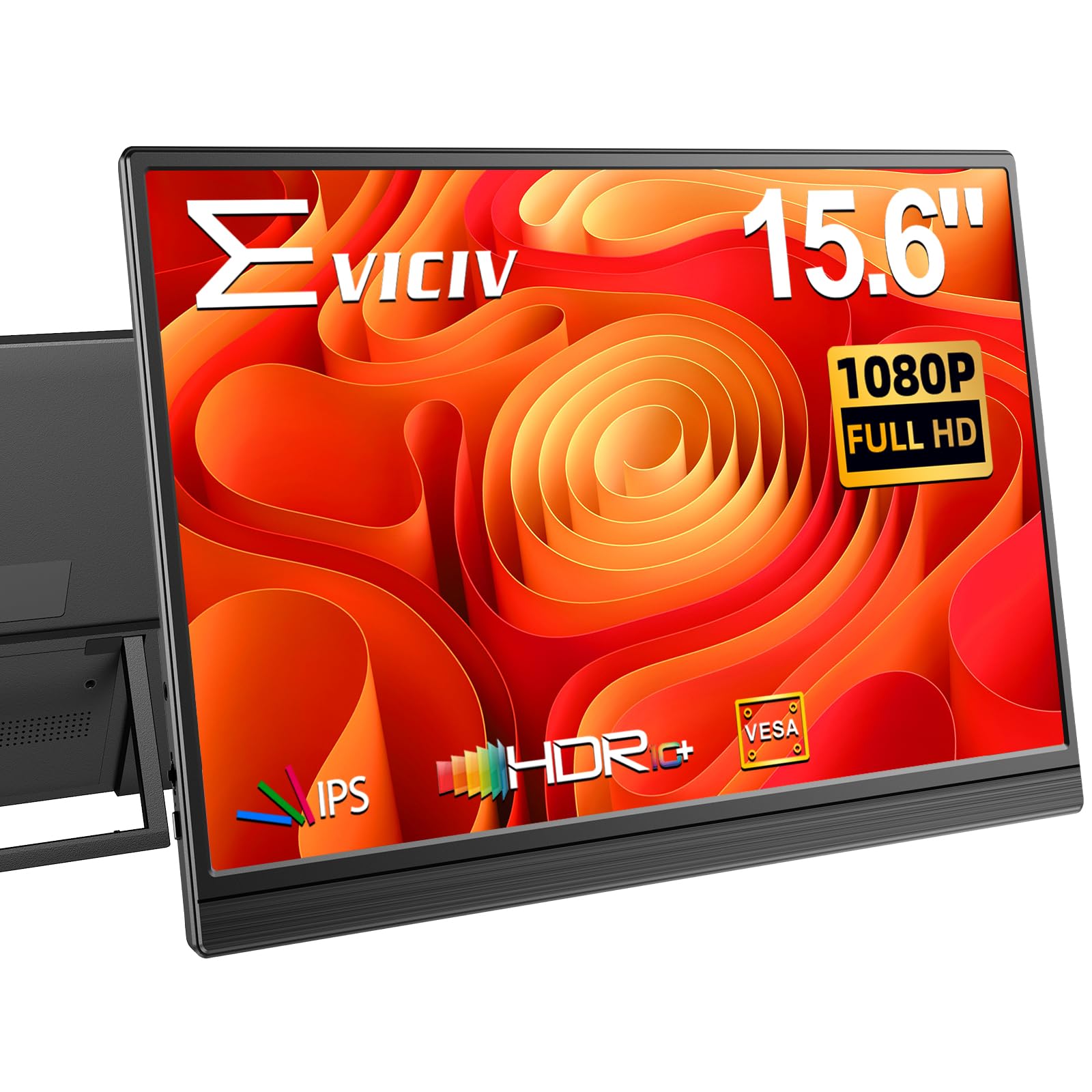
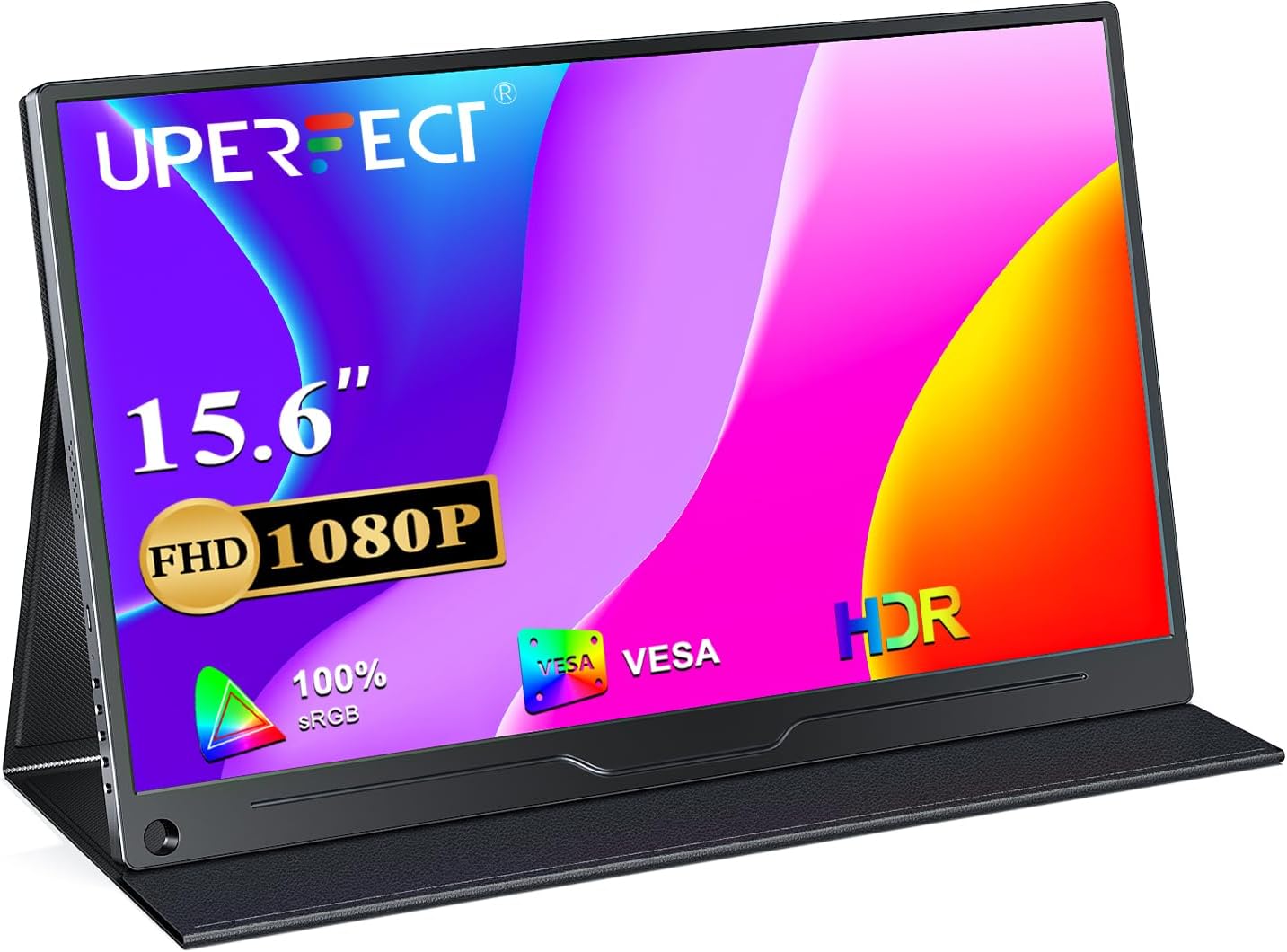
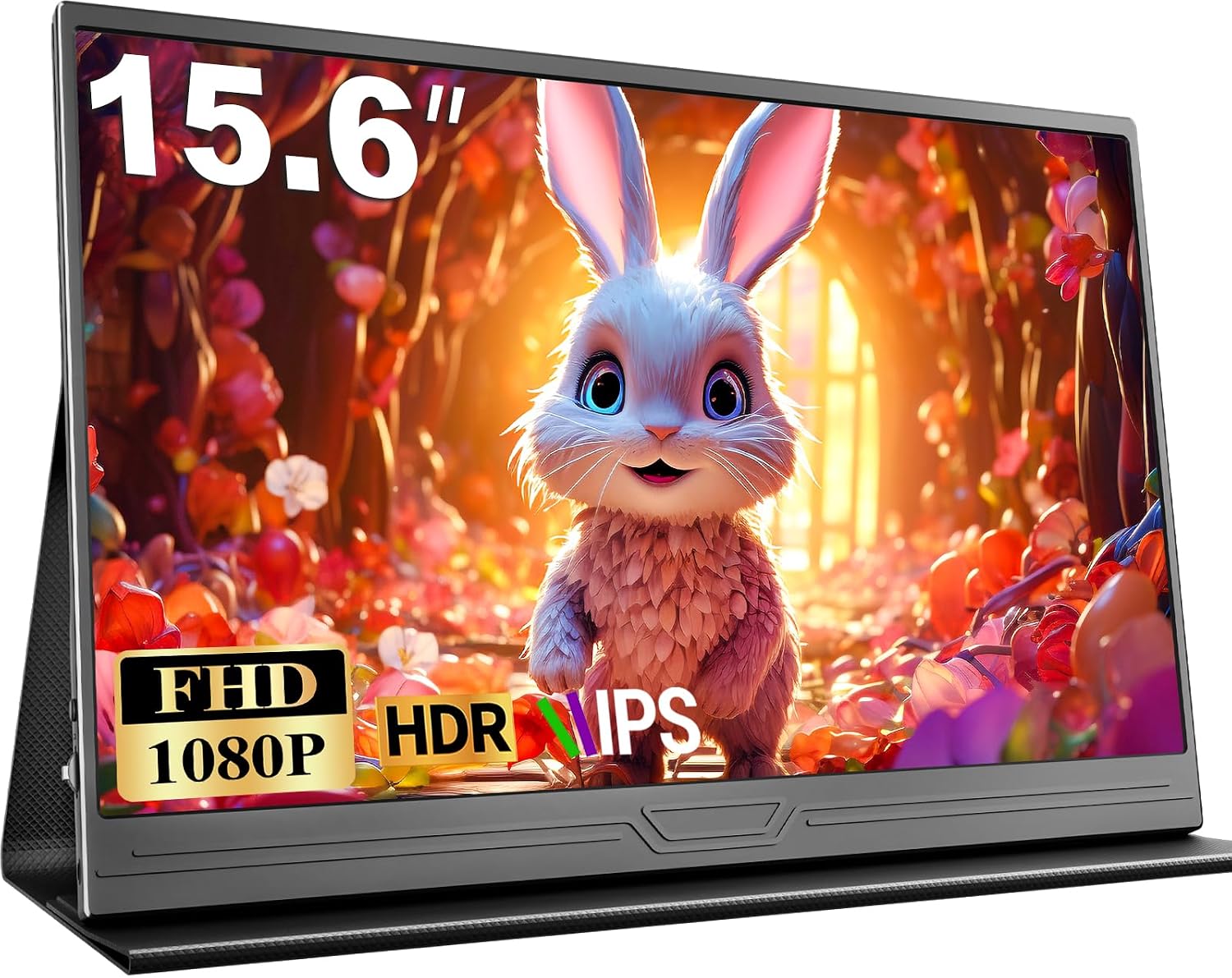
The physical size of the screen and the number of pixels it displays are fundamental. Common sizes include 15.6-inch portable monitors like the EVICIV Portable Monitor (£54.32) and the UPERFECT Portable Monitor (£49.99), both offering Full HD 1080P resolution. Larger, desktop-style monitors, such as the KTC Gaming Monitor (27-inch, £149.99) and the CRUA 27 Inch Curved Gaming Monitor (£184.66), offer higher resolutions like 2K QHD (2560x1440) for more detailed visuals.
Panel Type
The type of panel dictates colour reproduction, viewing angles, and response times. IPS (In-Plane Switching) panels are prevalent across many monitors, including the EVICIV, UPERFECT, and Ingnok models. They are praised for their wide 178° viewing angles and accurate colour representation, making them suitable for a variety of tasks. For gaming, faster IPS panels, like those in the KTC Gaming Monitor (27-inch, £149.99) and the KTC Gaming Monitor 27 Inch (£149.99), offer quicker response times.
Connectivity
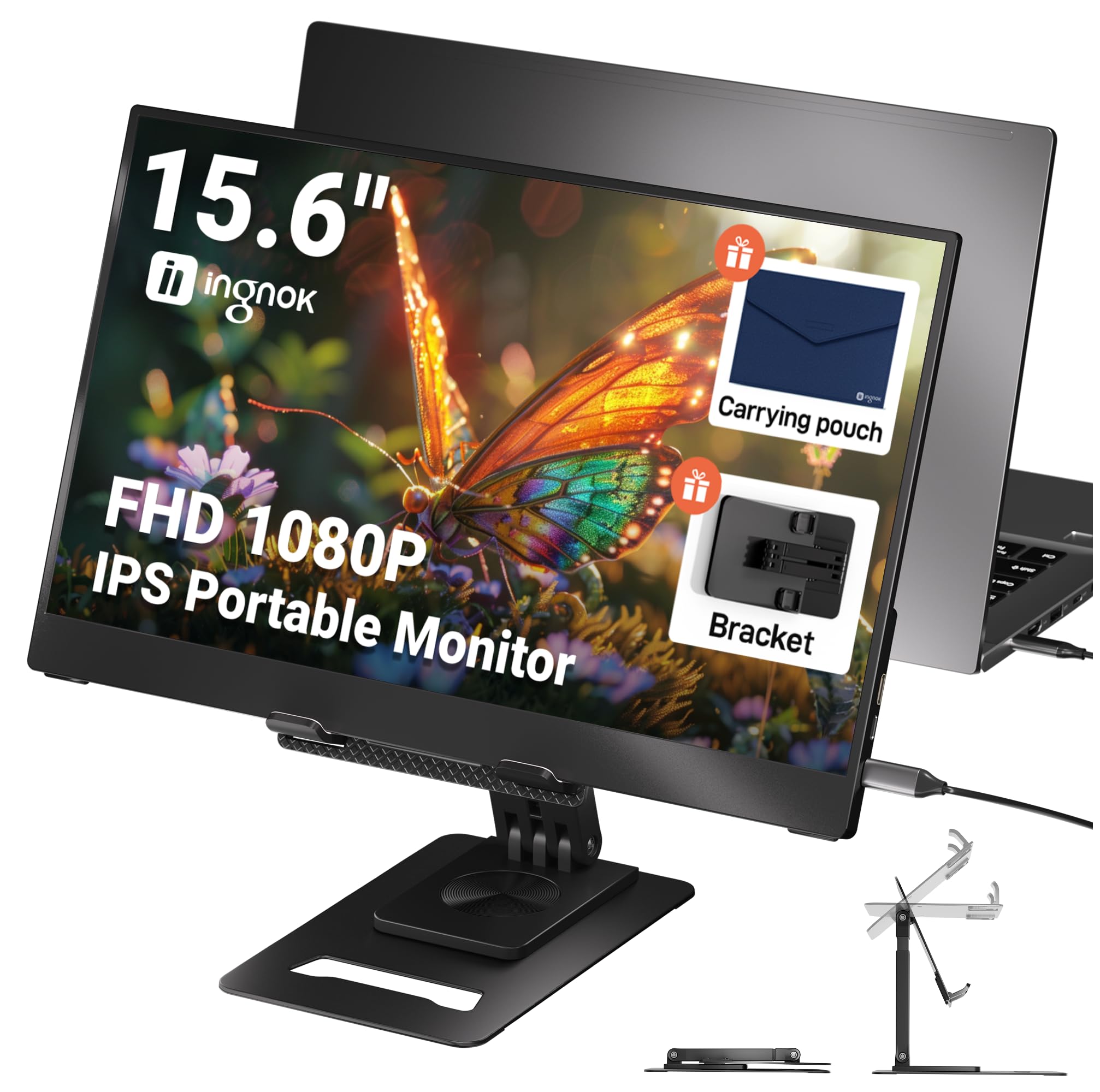
Ensuring your monitor can connect to your devices is paramount. Most portable monitors, such as the UPERFECT Portable Monitor (£49.99) and the Ingnok 15.6" Portable Monitor (£75.99), feature a combination of USB-C (Type-C) and Mini HDMI ports. USB-C is particularly versatile, often supporting both power and signal transmission with a single cable, as highlighted by the UPERFECT model. Larger monitors, like the KTC Gaming Monitor (£121.94), typically offer DisplayPort and HDMI connections.
Refresh Rate and Response Time
These specifications are critical for a smooth visual experience, especially for gaming. A higher refresh rate (measured in Hz) means the screen updates more frequently, reducing motion blur. The CRUA 27 Inch Curved Gaming Monitor boasts an impressive 280Hz refresh rate, while the KTC Gaming Monitor 27 Inch offers 200Hz (overclockable to 210Hz). Response time (measured in ms) indicates how quickly pixels change colour; lower is better. The CRUA and KTC 27 Inch monitors both offer a 1ms response time (GTG or MPRT), ideal for fast-paced gaming.
Colour Accuracy and Gamut
For creative professionals or anyone who values true-to-life colours, colour accuracy is key. Monitors like the KTC Gaming Monitor (£121.94) specify 99% sRGB and 95% DCI-P3 coverage, with a Delta E (ΔE) value of less than 2, indicating excellent colour fidelity. The KTC Gaming Monitor 27 Inch (£149.99) also offers high colour coverage with 131% sRGB and 101% DCI-P3.
Portability and Design
For those needing a second screen on the go, portability is a major consideration. The EVICIV Portable Monitor weighs just 1.46 pounds and is ultra-slim, making it easy to slip into a bag. Similarly, the Ingnok 15.6" Portable Monitor weighs only 662g. These portable options often include built-in stands and integrated speakers, like the UPERFECT Portable Monitor (£49.99), adding to their convenience.
Special Features
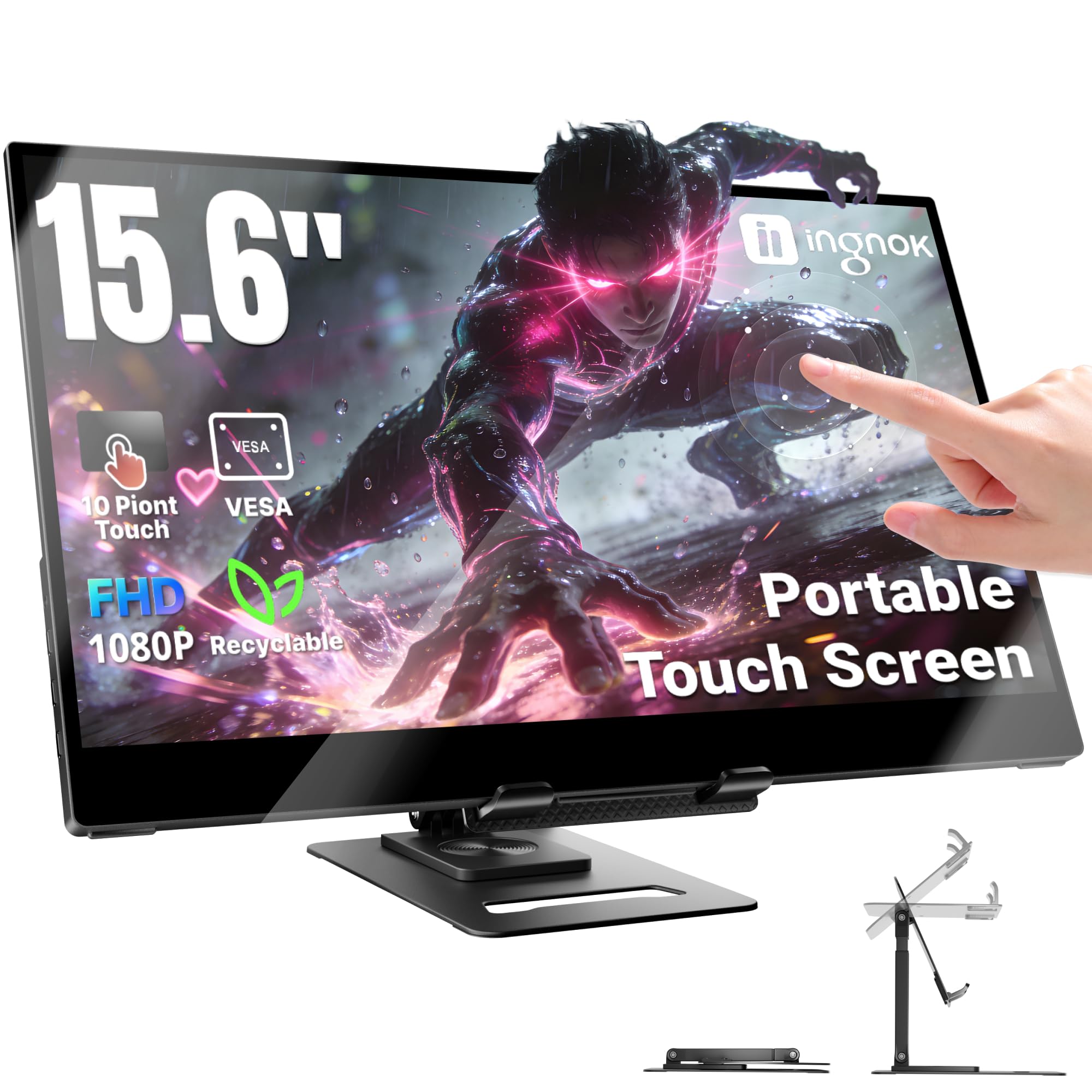
Look for features that enhance usability and comfort. Eye Care Technology, found in monitors like the UPERFECT Portable Monitor (£49.99) and the CUIUIC Portable Monitor (£52.99), helps reduce eye strain through features like blue light filtering and flicker-free operation. Touchscreen capabilities, as seen on the Ingnok Portable Monitor Touchscreen (£159.99), offer intuitive interaction, especially for macOS users. VESA mount compatibility, present on many models including the EVICIV and UPERFECT, allows for flexible mounting on stands or arms.
Price and Value
Monitor prices vary significantly based on features, size, and performance. Understanding these tiers can help you find the best value for your budget.
- Budget-Friendly Portable Monitors (Under £60): The EVICIV Portable Monitor at £54.32 and the UPERFECT Portable Monitor at £49.99 represent excellent value in this range. They offer Full HD resolution, IPS panels, and versatile connectivity, making them ideal for extending laptop screens or basic entertainment on the go.
- Mid-Range Portable and Entry-Level Desktop Monitors (£70 - £130): The Ingnok 15.6" Portable Monitor at £75.99 falls into this category, offering a good balance of portability and features. The KTC Gaming Monitor at £121.94 (with a list price of £143.49) enters the desktop space, providing higher refresh rates (144Hz) and superior colour coverage (99% sRGB, 95% DCI-P3) suitable for more demanding users and casual gaming.
- Premium Portable and Mid-Range Gaming Monitors (£140 - £190): At the higher end, the Ingnok Portable Monitor Touchscreen at £159.99 offers advanced touch functionality. The KTC Gaming Monitor 27 Inch at £149.99 provides a larger 27-inch screen with 2K resolution and a 200Hz refresh rate, a significant step up for gaming and multitasking. The CRUA 27 Inch Curved Gaming Monitor at £184.66 pushes performance further with a 280Hz refresh rate and a curved design for enhanced immersion.
Common Mistakes to Avoid
Navigating the monitor market can be tricky. Here are some common pitfalls to steer clear of:
- Ignoring Connectivity: Ensure the monitor's ports (HDMI, USB-C, DisplayPort) match your devices. A monitor with only Mini HDMI might require adapters for modern laptops, as seen with the EVICIV and UPERFECT models, which also offer USB-C.
- Overlooking Refresh Rate for Gaming: For smooth gameplay, a high refresh rate is essential. Opting for a standard 60Hz monitor when gaming can lead to a less fluid experience compared to options like the CRUA 27 Inch with 280Hz or the KTC 27 Inch with 200Hz.
- Misjudging 'Eye Care': While many monitors claim 'Eye Care', verify specific technologies like hardware anti-blue light and flicker-free operation, as found in the KTC Gaming Monitor (£121.94) and CUIUIC Portable Monitor (£52.99), for genuine strain reduction.
- Buying Without Considering Use Case: A portable 15.6-inch monitor like the EVICIV (£54.32) is great for travel, but a larger, higher-resolution screen like the KTC Gaming Monitor 27 Inch (£149.99) is better suited for a dedicated gaming or workstation setup.
- Focusing Solely on Price: While budget is important, the cheapest option might not offer the best long-term value. Consider the longevity and feature set. For instance, the Ingnok Portable Monitor Touchscreen (£159.99) offers advanced touch features that justify its higher price for specific users.
How to Judge Quality
Assessing monitor quality involves looking beyond marketing claims and examining concrete user feedback and specifications.
Ratings and Review Counts
Aggregate ratings provide a general sense of customer satisfaction. For example, the EVICIV Portable Monitor has a strong 4.5/5 rating from 7,704 reviews, suggesting widespread approval. Similarly, the UPERFECT Portable Monitor also holds a 4.5/5 rating from 5,050 reviews. A high rating combined with a substantial number of reviews indicates reliability and consistent performance.
When evaluating, consider the volume of reviews. A 4.5/5 from over 7,000 reviews, like the EVICIV, carries more weight than a 4.5/5 from just a few hundred. This volume suggests the product has been experienced by a large user base, and the positive rating is likely representative of its overall quality. For instance, the Ingnok 15.6" Portable Monitor has a 4.5/5 rating from 3,663 reviews, and the CUIUIC Portable Monitor has a 4.4/5 rating from 2,370 reviews.
Specification Deep Dive
Beyond ratings, scrutinise the technical specifications. A monitor boasting 1080P resolution, an IPS panel, and a 178° viewing angle, like the UPERFECT Portable Monitor (£49.99), is likely to offer a good visual experience. For gaming, prioritize high refresh rates (e.g., 280Hz on the CRUA) and low response times (e.g., 1ms on the KTC 27 Inch). Colour accuracy figures, such as 99% sRGB on the KTC Gaming Monitor (£121.94), are crucial for colour-sensitive work.
Real Options at a Glance
- EVICIV Portable Monitor 15.6" (£54.32): Best for versatile, lightweight portability with VESA mount option.
- UPERFECT Portable Monitor FHD 1080P 15.6" (£49.99): Excellent value portable monitor with single USB-C convenience and matte screen.
- Ingnok 15.6" Portable Monitor (£75.99): A solid, ultra-portable option with a good built-in stand for productivity on the move.
- Ingnok Portable Monitor Touchscreen 15.6" (£159.99): Ideal for users needing intuitive touch control, especially with MacBooks, and VESA mounting.
- CUIUIC Portable Monitor 15.6" (£52.99): A very slim and light portable monitor with high brightness (400 cd/m²) and eye-care features.
- KTC Gaming Monitor FHD@144Hz (£121.94): A great all-rounder for work and casual gaming, offering excellent colour accuracy (99% sRGB) and a 144Hz refresh rate.
- KTC Gaming Monitor 27 Inch 2K@200Hz (£149.99): A powerful choice for gamers and multitaskers, delivering 2K resolution, a 200Hz refresh rate, and vibrant colours.
- CRUA 27 Inch 280Hz Curved Gaming Monitor (£184.66): For the serious gamer seeking maximum speed and immersion with a curved display and 280Hz refresh rate.