Introduction: Finding Your Perfect Laptop
In today's digital world, a laptop is more than just a piece of technology; it's a gateway to work, education, entertainment, and staying connected. Whether you're a student needing a reliable machine for lectures, a professional managing tasks on the go, or simply someone looking to browse the web and stream your favourite shows, choosing the right laptop is crucial. With a vast array of options available, understanding what truly matters can feel overwhelming. This guide is designed to cut through the noise, empowering you to make an informed decision by focusing on the essential factors and learning from real-world examples.
We'll explore the key specifications that impact performance, delve into realistic price expectations, highlight common mistakes to steer clear of, and teach you how to interpret user feedback effectively. By grounding our advice in the verified data of currently available models, you'll gain practical insights to help you select a laptop that truly meets your needs and offers excellent value.
Key Factors to Consider When Choosing a Laptop
Selecting a laptop involves balancing various components and features to match your intended use. Here are the core elements to focus on:
Processor (CPU): The Brains of the Operation
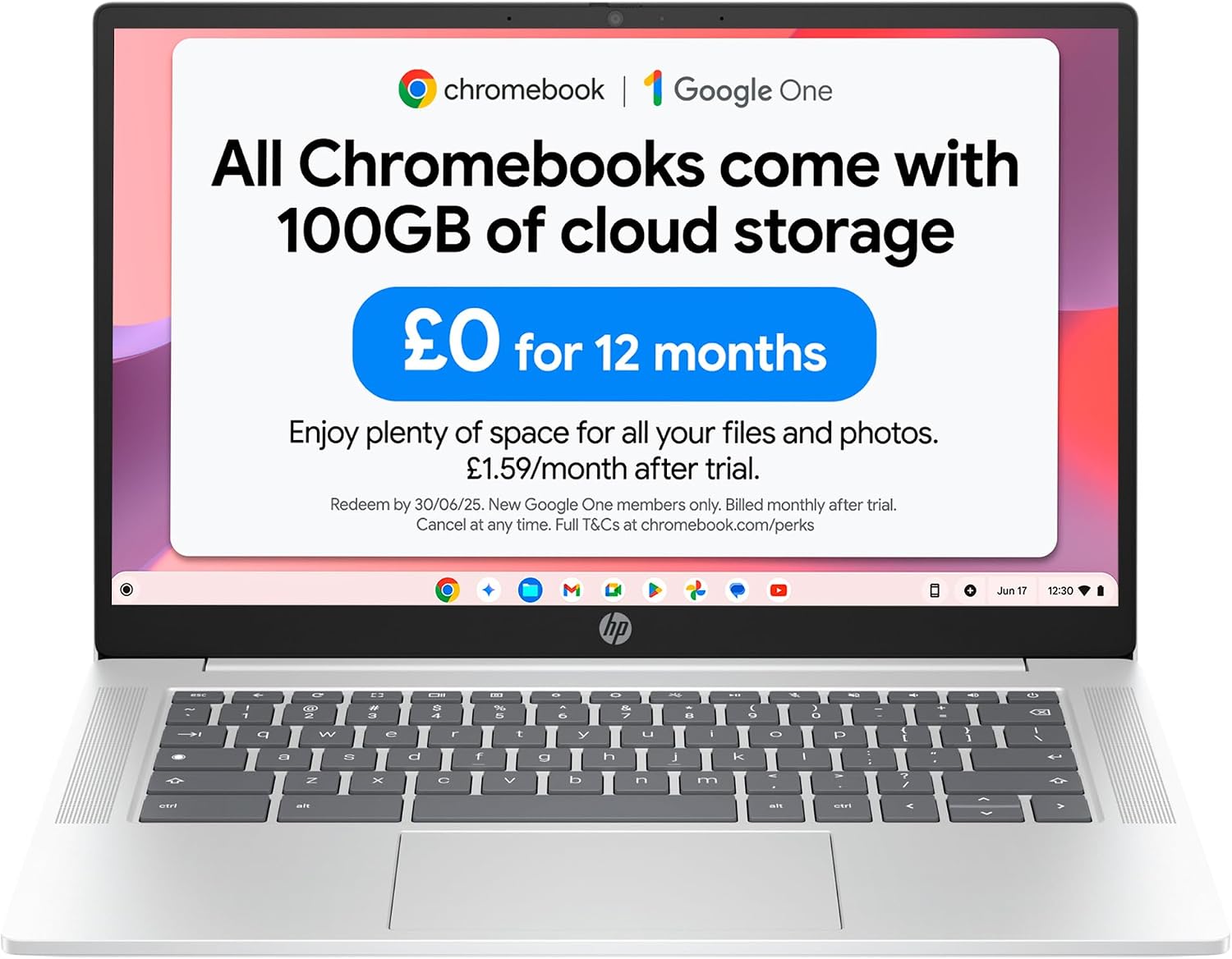
The processor is the engine of your laptop, dictating its speed and ability to handle demanding tasks. For everyday use like web browsing, email, and document editing, processors like the Intel Celeron N50 found in the ASUS Chromebook 15 (Product 8) or the Intel Processor N100 in the HP Chromebook 14 (Product 2) are sufficient. These offer worry-free performance for basic tasks.
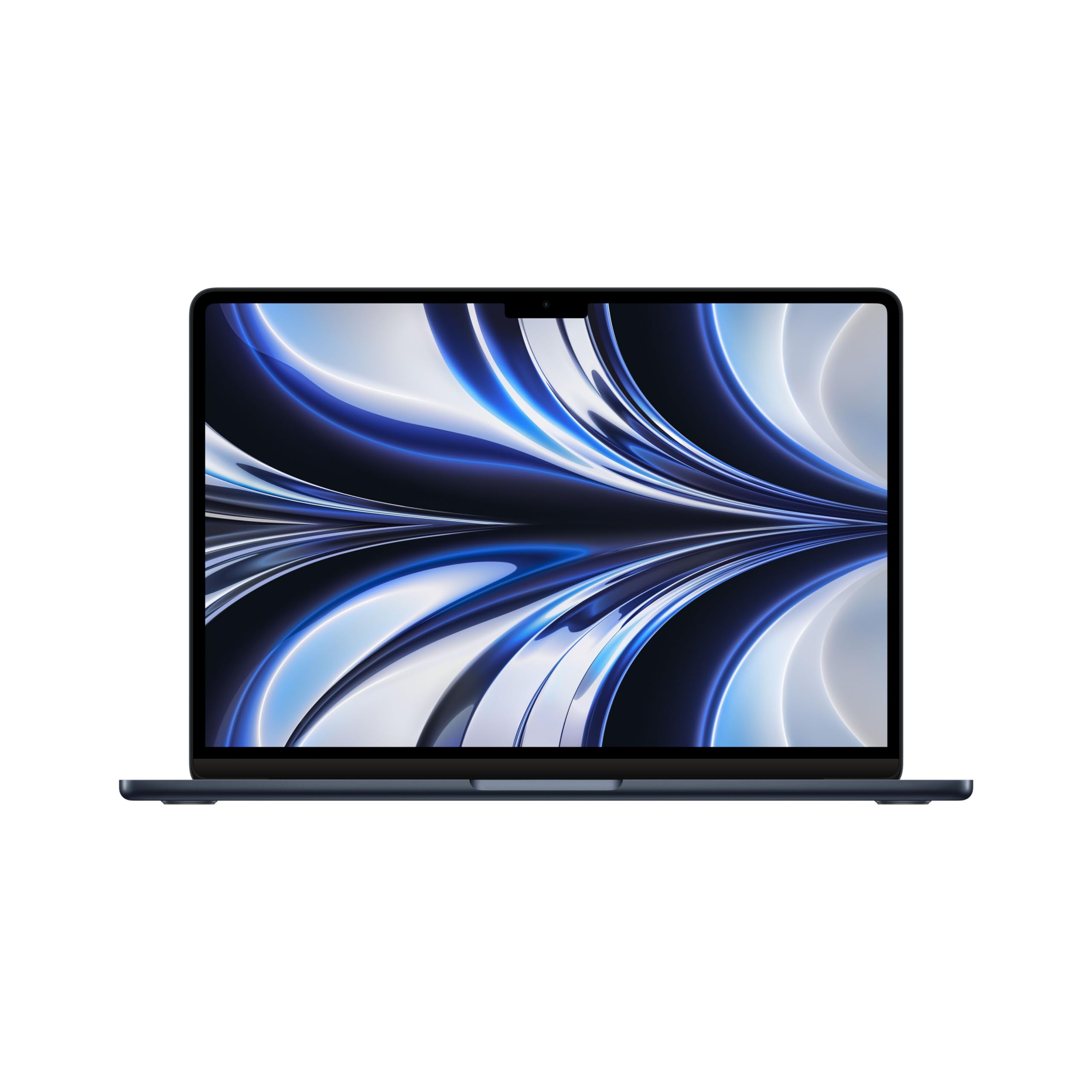
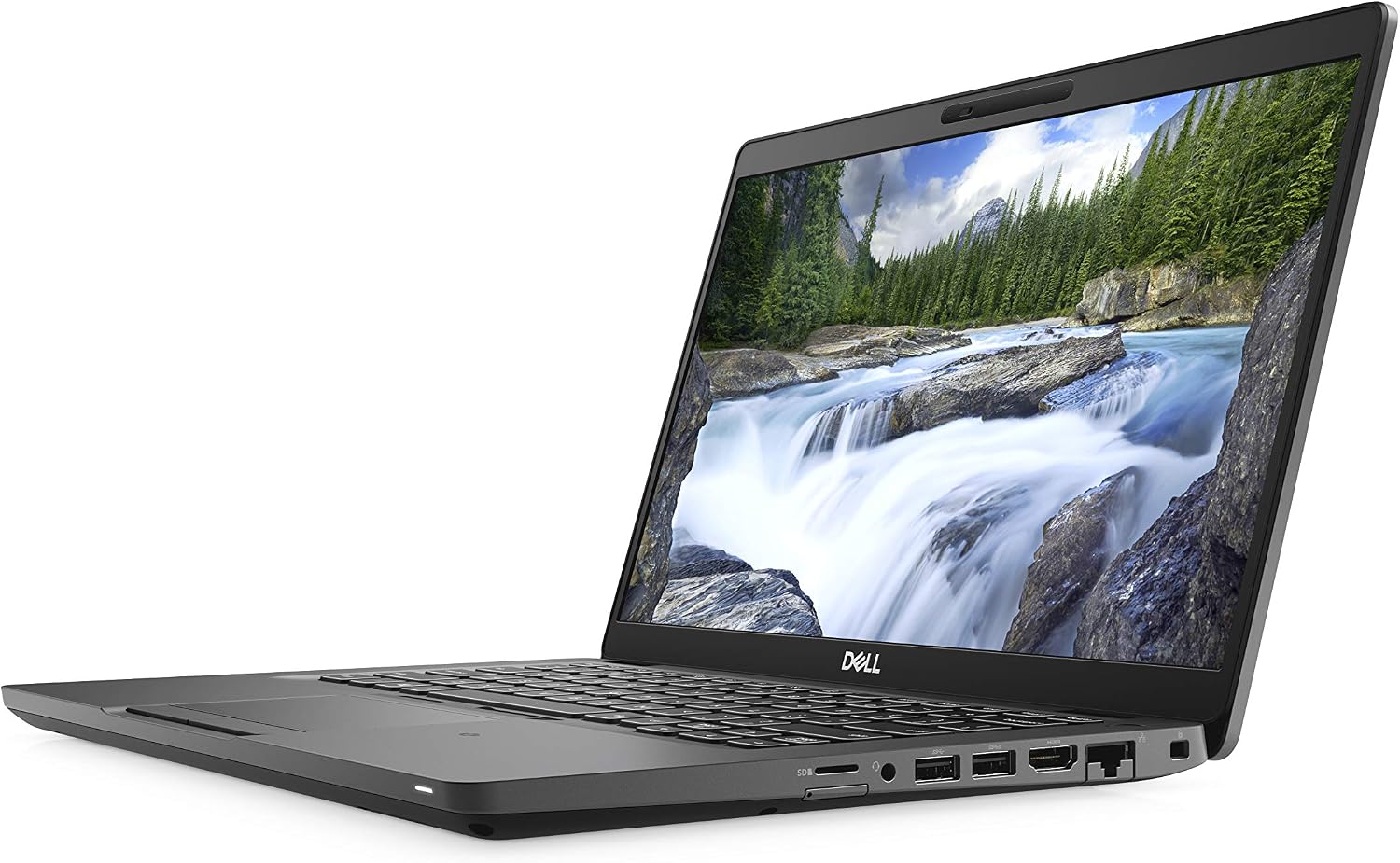
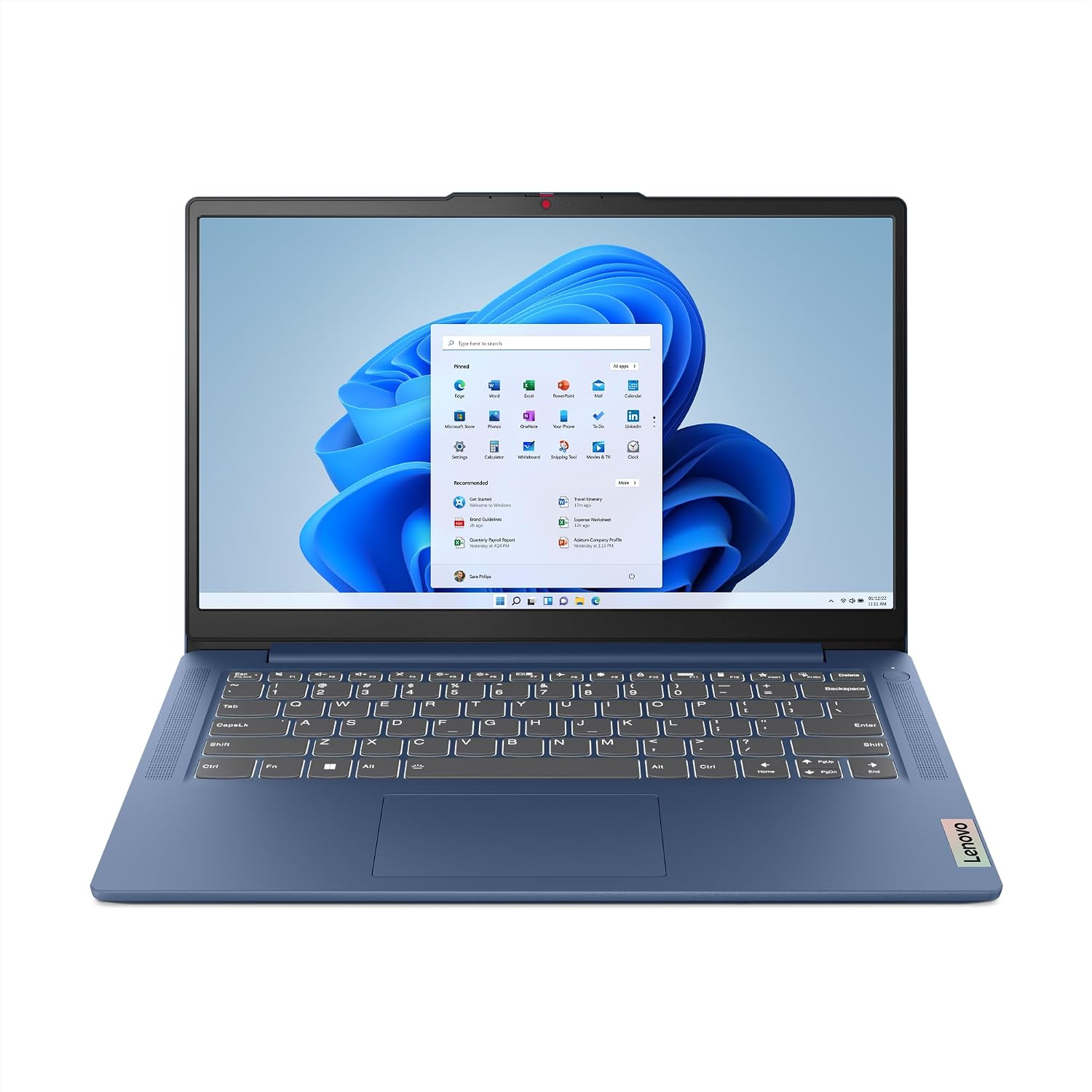
For more demanding workloads, such as multitasking, photo editing, or running multiple applications simultaneously, a more powerful processor is recommended. The Apple M2 chip in the Apple MacBook Air (Product 1), with its 8-core CPU and 8-core GPU, is engineered for speed and power efficiency, making tasks more fluid. Similarly, the 12th Gen Intel Core i5-12450H in the Lenovo IdeaPad Slim 3 (Product 5) provides robust performance for work, school, or entertainment. Even a renewed option like the Dell Latitude 5400 (Product 4) with its Intel i5-8365U processor offers solid performance for everyday computing.
RAM: The Multitasking Muscle
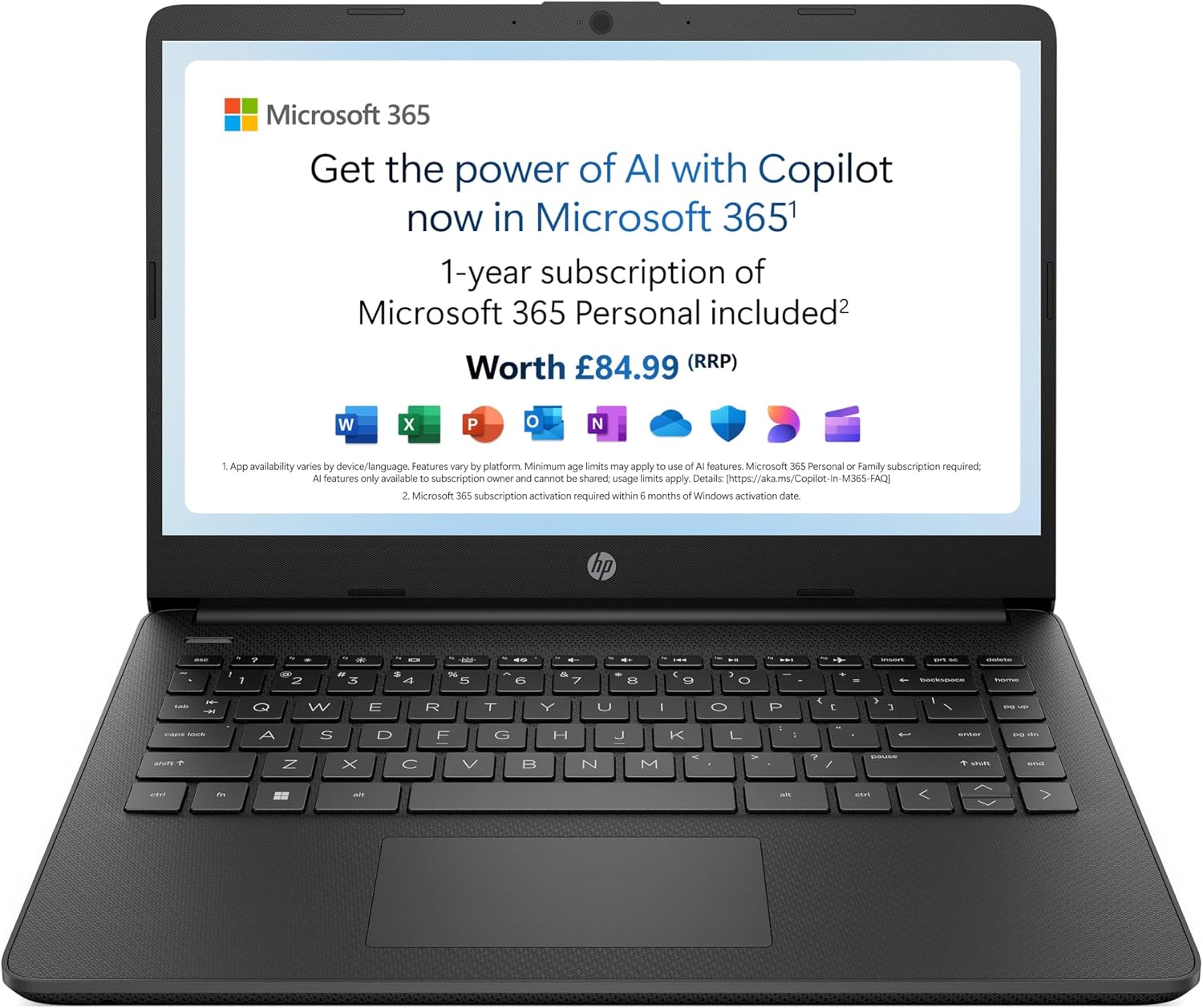
RAM (Random Access Memory) is essential for multitasking. It allows your laptop to keep multiple applications open and switch between them smoothly. Most entry-level laptops come with 4GB of RAM, which is adequate for basic ChromeOS tasks, as seen in the HP Chromebook 14 (Product 2), HP Stream 14 (Product 3), Lenovo IdeaPad Slim 3 Chromebook (Product 6), and ASUS Chromebook 15 (Product 8).
However, for a smoother experience with Windows or macOS, and for more intensive use, 8GB of RAM is a good starting point. The Apple MacBook Air (Product 1) comes with 8GB, offering a good balance for its operating system. For serious multitasking and productivity, 16GB of RAM is ideal. Both the Dell Latitude 5400 (Product 4) and the Lenovo IdeaPad Slim 3 (Product 5) offer 16GB, providing ample power for demanding users.
Storage: Where Your Files Live
Storage refers to the space available for your operating system, applications, and personal files. Laptops typically offer either Flash Storage (eMMC) or Solid State Drives (SSD). eMMC storage, found in many Chromebooks like the HP Stream 14 (Product 3), Lenovo IdeaPad Slim 3 Chromebook (Product 6), and ASUS Chromebook 15 (Product 8), is generally slower and offers less capacity (often 64GB or 128GB).
SSDs are significantly faster, leading to quicker boot times and application loading. The Apple MacBook Air (Product 1) features a 256GB SSD, which is a good starting point for macOS users. For a more robust storage solution, the Dell Latitude 5400 (Product 4) boasts a 512GB SSD, and the Lenovo IdeaPad Slim 3 (Product 5) also offers 512GB of SSD storage, providing ample space and speed for a wide range of uses.
Display: Your Window to the Digital World
The display is what you'll be looking at most of the time, so its quality matters. Screen size is a personal preference, with 14-inch displays being common for portability, as seen in the HP Chromebook 14 (Product 2), HP Stream 14 (Product 3), Dell Latitude 5400 (Product 4), and Lenovo IdeaPad Slim 3 models (Products 5, 6, 7). The Apple MacBook Air (Product 1) features a 13.6-inch Liquid Retina display, praised for its 1 billion colours and sharp detail.
Resolution is also key. A Full HD (FHD) display, with a resolution of 1920 x 1080, offers clear and crisp visuals. The HP Chromebook 14 (Product 2) boasts an FHD IPS display with 178° wide-viewing angles for excellent clarity from any position. Some laptops, like the Lenovo IdeaPad Slim 3 (Product 5), also incorporate features like TÜV Certified Low Blue Light to reduce eye strain during long usage sessions.
Battery Life: Freedom from the Plug
For those who need to work or play away from a power outlet, battery life is paramount. The Apple MacBook Air (Product 1) is designed for all-day battery life, offering up to 18 hours of use. Other laptops, like the HP Chromebook 14 (Product 2), promise up to 12 hours, while the Lenovo IdeaPad Slim 3 Chromebook (Products 6 & 7) can last up to 13.5 hours. Fast-charging technology is also a significant convenience; for instance, the Lenovo IdeaPad Slim 3 (Product 5) can deliver 2 hours of use on a mere 14-minute charge.
Operating System (OS): The Foundation
The choice of operating system significantly influences your user experience and software compatibility. ChromeOS, found in several Chromebook models like the HP Chromebook 14 (Product 2), HP Stream 14 (Product 3), Lenovo IdeaPad Slim 3 Chromebook (Products 6 & 7), and ASUS Chromebook 15 (Product 8), is known for its speed, simplicity, and security. It's ideal for users who primarily work with web-based applications and Google Workspace.
Windows is the most common OS, offering broad software compatibility. The Dell Latitude 5400 (Product 4) runs Windows 11 Pro, while the Lenovo IdeaPad Slim 3 (Product 5) comes with Windows 11 Home. The HP Stream 14 (Product 3) also runs Windows 11. macOS, exclusive to Apple, is renowned for its user-friendly interface and seamless integration with other Apple devices. The Apple MacBook Air (Product 1) runs macOS, featuring Apple Intelligence for enhanced productivity.
Price and Value: What to Expect
Laptop prices can vary dramatically, but understanding realistic price tiers can help you find the best value. Based on the products provided, we can see distinct price ranges:
- Under £200: At this price point, you'll typically find entry-level Chromebooks. For example, the ASUS Chromebook 15 (Product 8) is available for £169.99 (down from £199), offering basic functionality for everyday tasks. The Lenovo IdeaPad Slim 3 Chromebook (Product 6) is priced at £175.94 (down from £208.32), providing a thin and light design with a 14-inch FHD display.
- £200 - £300: This range offers more capable options, including slightly more advanced Chromebooks and budget-friendly Windows laptops. The HP Chromebook 14 (Product 2) is priced at £207.99, featuring an Intel processor and HD display. The HP Stream 14 (Product 3) is available for £214.70, notable for including a 12-month Microsoft 365 Personal subscription. A standout in this bracket is the renewed Dell Latitude 5400 (Product 4) at just £198, offering a substantial 16GB RAM and 512GB SSD, making it a strong contender for productivity on a budget. The Lenovo IdeaPad Slim 3 Chromebook (Product 7) is also in this range at £199, offering 8GB RAM and 128GB storage.
- £300 - £500: This tier generally provides a significant step up in performance and features. The Lenovo IdeaPad Slim 3 (Product 5) is priced at £307.30, boasting a 12th Gen Intel Core i5 processor, 16GB RAM, and a 512GB SSD. The premium option here is the Apple 2022 MacBook Air with M2 chip (Product 1), available for £481.62. This model excels in portability, battery life, and performance, making it a strong choice for those within the Apple ecosystem.
When considering value, look beyond the price tag. A slightly higher initial cost for better specifications, such as more RAM or an SSD, can lead to a more satisfying and longer-lasting user experience. For instance, the renewed Dell Latitude 5400 (Product 4) at £198 offers 16GB RAM and a 512GB SSD, which is a significant amount of power for the price compared to some new models with lower specifications in a similar or higher price bracket.
Common Mistakes to Avoid
Navigating the laptop market can be tricky. Here are some common pitfalls to watch out for:
- Focusing solely on price: The cheapest option isn't always the best value. A laptop that's too underpowered for your needs will quickly become frustrating to use, potentially costing more in the long run if you need to replace it sooner.
- Ignoring RAM and Storage Type: Many budget laptops come with limited RAM (4GB) and slower eMMC storage. While suitable for basic web browsing on ChromeOS, this configuration can struggle with multitasking or running more demanding applications on Windows or macOS. Always check if the laptop has an SSD for faster performance.
- Overlooking the Operating System: Ensure the OS aligns with your software needs. If you rely heavily on specific Windows applications, a Chromebook might not be the best fit, even if it's attractively priced.
- Not considering portability needs: A large, heavy laptop with a big screen might be great for a desk but impractical for commuting or frequent travel. Conversely, a tiny laptop might be portable but lack the screen real estate for comfortable extended use.
- Buying based on brand name alone: While reputable brands offer reliable products, it's essential to look at the specific specifications and pricing of individual models. Sometimes, less common brands or even renewed models can offer superior value for the money.
How to Judge Quality: Ratings and Review Counts
User reviews and ratings are invaluable tools for gauging a product's real-world performance and reliability. However, it's important to interpret them correctly.
Aggregate Ratings: Look at the overall star rating. For example, the Apple MacBook Air (Product 1) has an excellent rating of 4.7/5. The HP Chromebook 14 (Product 2) and Lenovo IdeaPad Slim 3 Chromebook (Products 6 & 7) also score well with ratings of 4.5/5 and 4.4/5 respectively. A rating above 4/5 generally indicates a high level of customer satisfaction.
Review Counts: The number of reviews provides context to the rating. A high rating from a small number of reviews might be less reliable than a slightly lower rating from a large number of reviews. For instance, the Apple MacBook Air (Product 1) has a strong 4.7/5 rating based on 1,152 reviews, suggesting a consistently positive experience across many users. The Dell Latitude 5400 (Product 4) has a 4/5 rating from 527 reviews, while the HP Stream 14 (Product 3) has a 4.3/5 rating from 578 reviews. These higher review counts lend more weight to the overall satisfaction indicated by the rating.
When evaluating, consider both the rating and the number of reviews. A product with a 4.5/5 rating from over 1,000 reviews is generally a safer bet than a product with a 4.8/5 rating from only 50 reviews. This approach helps you identify products that are not only liked but are consistently meeting expectations for a broad user base.
Real Options at a Glance
Here's a quick look at the laptops discussed, highlighting their key strengths:
- Apple 2022 MacBook Air (Product 1): Best for seamless Apple ecosystem integration and all-day battery life. (£481.62, 4.7/5 from 1,152 reviews)
- HP Chromebook 14 (Product 2): A solid, affordable choice for everyday tasks and web-based productivity. (£207.99, 4.5/5 from 699 reviews)
- HP Stream 14 (Product 3): Great value, especially with the included 12-month Microsoft 365 subscription. (£214.70, 4.3/5 from 578 reviews)
- Dell Latitude 5400 (Renewed) (Product 4): Excellent performance for the price, ideal for budget-conscious power users needing ample RAM and storage. (£198, 4/5 from 527 reviews)
- Lenovo IdeaPad Slim 3 (Product 5): A capable all-rounder with strong performance for work and study. (£307.30, 4.3/5 from 445 reviews)
- Lenovo IdeaPad Slim 3 Chromebook (Product 6): A very affordable and portable Chromebook with good battery life. (£175.94, 4.4/5 from 436 reviews)
- Lenovo IdeaPad Slim 3 Chromebook (Product 7): Offers more RAM and storage than its counterpart at a similar price point. (£199, 4.4/5 from 304 reviews)
- ASUS Chromebook 15 (Product 8): A budget-friendly option for basic computing needs, featuring a larger 15.6-inch screen. (£169.99, 4.6/5 from 255 reviews)