Introduction
Choosing the right desktop computer is a crucial step for anyone looking for a reliable and powerful machine for work, study, or entertainment. Unlike laptops, desktops offer a more fixed setup, often providing greater performance for your budget and easier upgradeability. This guide is designed to help UK consumers understand the core components, evaluate value, and avoid common mistakes when selecting a desktop, using real-world examples to illustrate key points.
Whether you're a creative professional needing to run demanding software, a student requiring a dependable machine for research and coursework, or simply someone looking for a robust home computer, understanding the specifications and market offerings is key. We'll break down what truly matters, from processor power to connectivity, ensuring your investment serves you well.
Key Factors to Consider
When selecting a desktop, several key factors differentiate performance and suitability for various tasks. Focusing on these specifications will help you make an informed decision.
Processor (CPU)
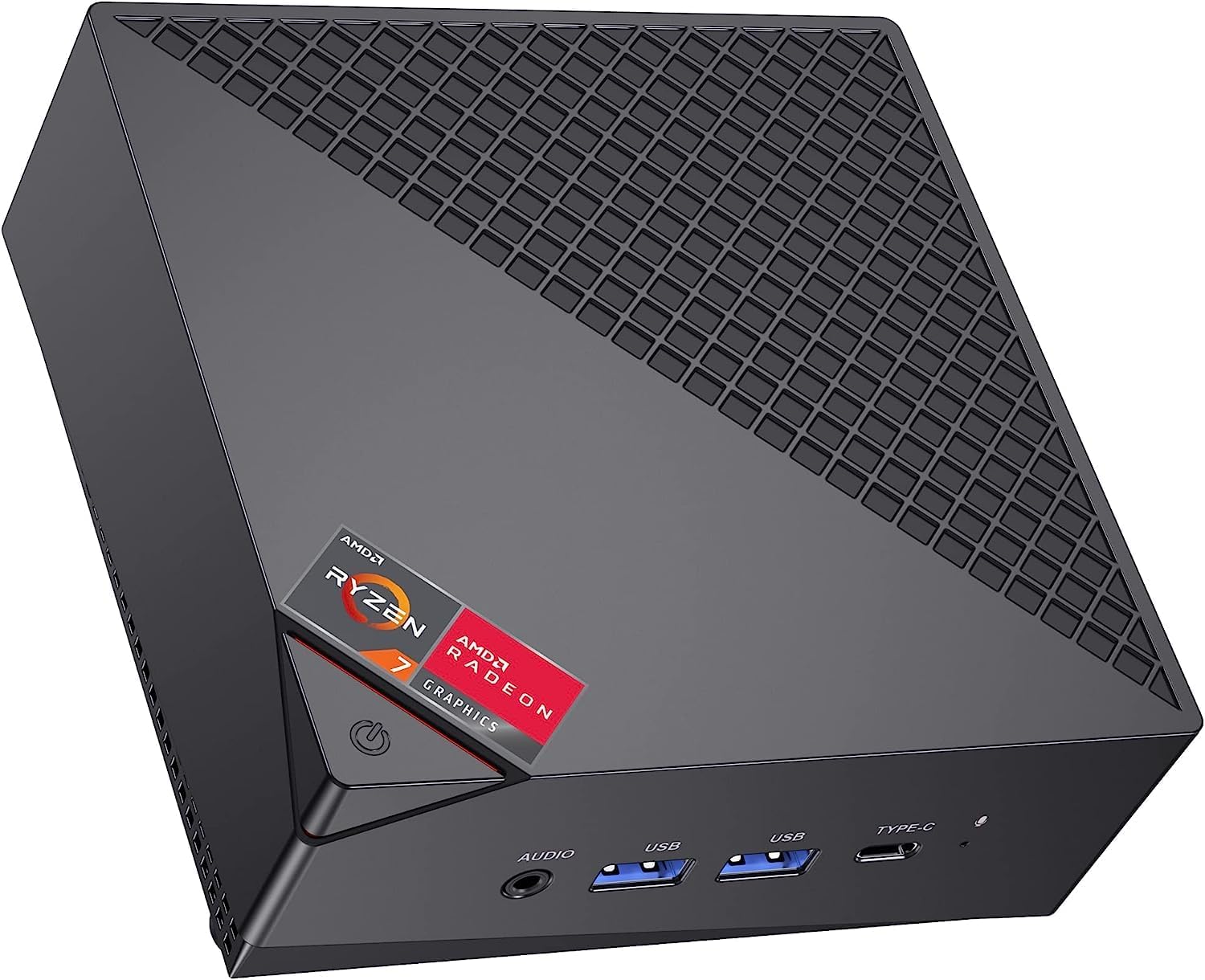
The processor is the brain of your computer. For demanding tasks like video editing, complex simulations, or running multiple large applications, a powerful CPU is essential. For instance, the ACEMAGICIAN AM06 Pro Mini PC features an AMD Ryzen 7 7730U processor with 8 cores and 16 threads, capable of reaching up to 4.5GHz. This makes it suitable for professional software like PS, PR, and CAD, as well as gaming. Similarly, the ACEMAGICIAN AM06PRO also boasts a Ryzen 7 7730U, highlighting its capability for demanding applications and gaming.
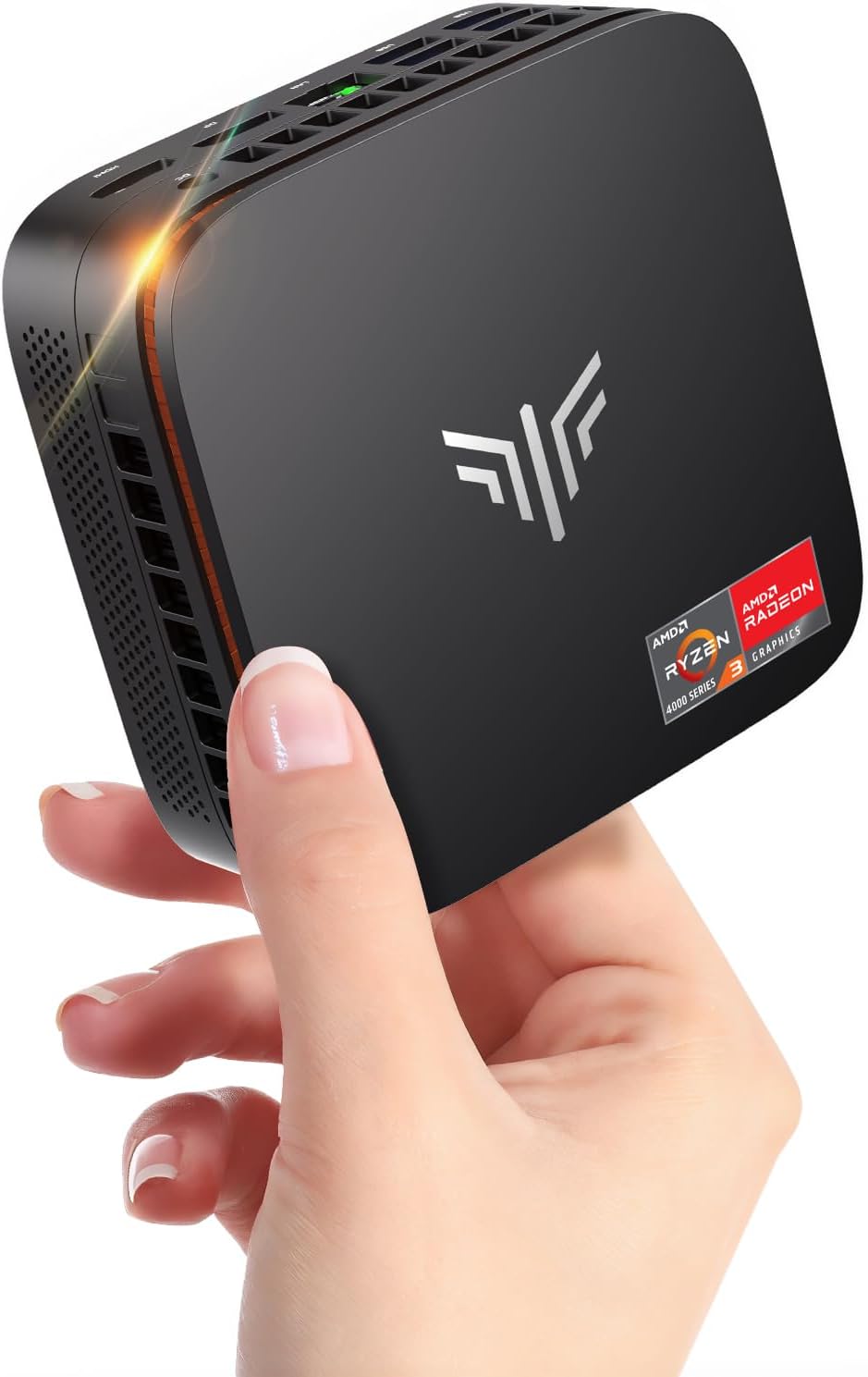
For users with less intensive needs, processors like the AMD Ryzen 3 4300U found in the NiPoGi P1 Mini PC (available in two configurations, one with 512GB SSD and another with 256GB SSD) offer a good balance. These CPUs, with 4 cores and 4 threads and speeds up to 3.7GHz, are well-suited for general office tasks, HD video editing, and casual gaming. The NiPoGi P2 Mini PC also features a Ryzen 3300U processor, offering strong performance for its class.
Memory (RAM)
RAM dictates how many applications you can run simultaneously without experiencing slowdowns. 16GB of DDR4 RAM is becoming the standard for a smooth multitasking experience, as seen in models like the NiPoGi P2 Mini PC and the ACEMAGICIAN AM06PRO. For more intensive multitasking or future-proofing, 32GB of DDR4 RAM, as found in the ACEMAGICIAN AM06 Pro Mini PC, provides even greater headroom.
Even older, renewed systems can offer a functional experience for basic tasks. The Amazon Renewed Optiplex Core i5 Series Desktop comes with 8GB of DDR3 Memory, which is adequate for general office work and web browsing, though less ideal for heavy multitasking.
Storage (SSD vs. HDD)
Solid State Drives (SSDs) are significantly faster than traditional Hard Disk Drives (HDDs), leading to quicker boot times, faster application loading, and snappier file transfers. Most modern desktops now feature SSDs. For example, the ACEMAGICIAN AM06 Pro Mini PC includes a 512GB SSD, offering ample fast storage. Many models also offer expandability; the NiPoGi P1 Mini PC with 512GB SSD and the NiPoGi Pinova P1 Mini PC with 256GB SSD both support expansion up to 4TB of total storage.
The Amazon Renewed Optiplex, however, features a 120GB SSD. While fast for its size, this capacity may be limiting for users with extensive software or media libraries. For those needing vast storage, the ability to add an additional 2.5-inch hard drive, as supported by the ACEMAGICIAN AM06 Pro Mini PC (up to 2TB), is a valuable feature.
Graphics (GPU)
For everyday tasks, integrated graphics are usually sufficient. The AMD Radeon graphics found in many of the NiPoGi and ACEMAGICIAN mini PCs, such as the AMD Radeon Vega 8 in the ACEMAGICIAN AM06 Pro Mini PC or the AMD Radeon Graphics in the NiPoGi P1 Mini PC, are capable of handling 4K video playback and casual gaming. The ACEMAGICIAN Kron K1 features integrated AMD Radeon graphics with a clock speed of up to 1400 MHz, suitable for Full HD casual gaming.
For more demanding graphical tasks or serious gaming, a dedicated graphics card would be necessary, but this is less common in the mini PC form factor featured here. The focus for these models is general productivity and media consumption.
Connectivity and Ports
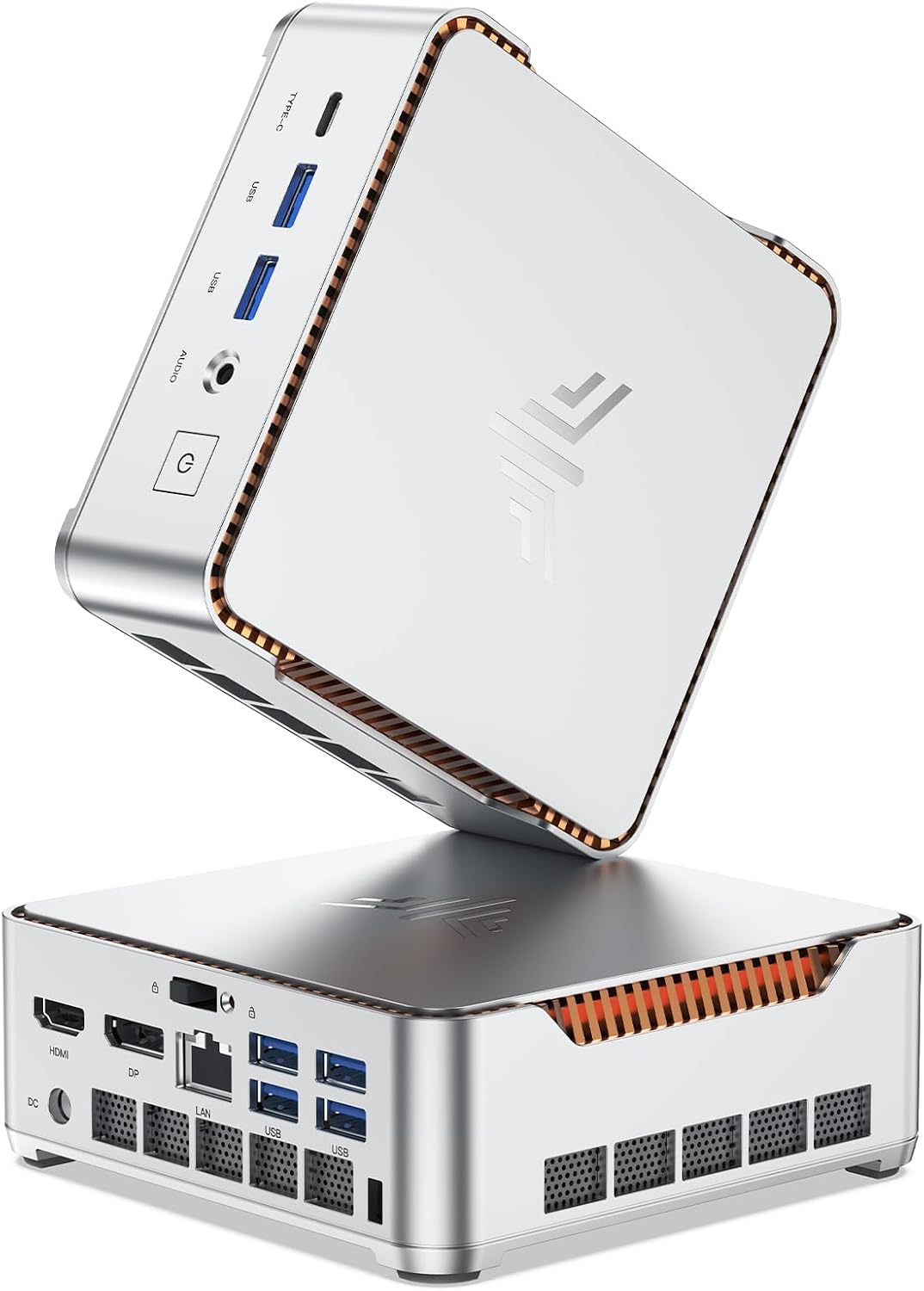
Having the right ports is essential for connecting peripherals and displays. Many of these mini PCs offer a comprehensive selection. The ACEMAGICIAN AM06 Pro Mini PC includes 2 USB 2.0, 2 USB 3.0, 1 HDMI, 1 Type-C, and 2 RJ45 ports. The ability to support Triple 4K@60Hz displays is a significant advantage for productivity, offered by models like the NiPoGi P2 Mini PC and the NiPoGi Pinova P1 Mini PC, which utilize HDMI, DisplayPort, and USB-C.
Fast networking is also crucial. Features like WiFi 6, as found in the ACEMAGICIAN AM06 Pro Mini PC and ACEMAGICIAN AM06PRO, and Gigabit Ethernet ensure smooth online experiences. Bluetooth 5.2 is also a common feature for wireless peripherals.
Cooling System
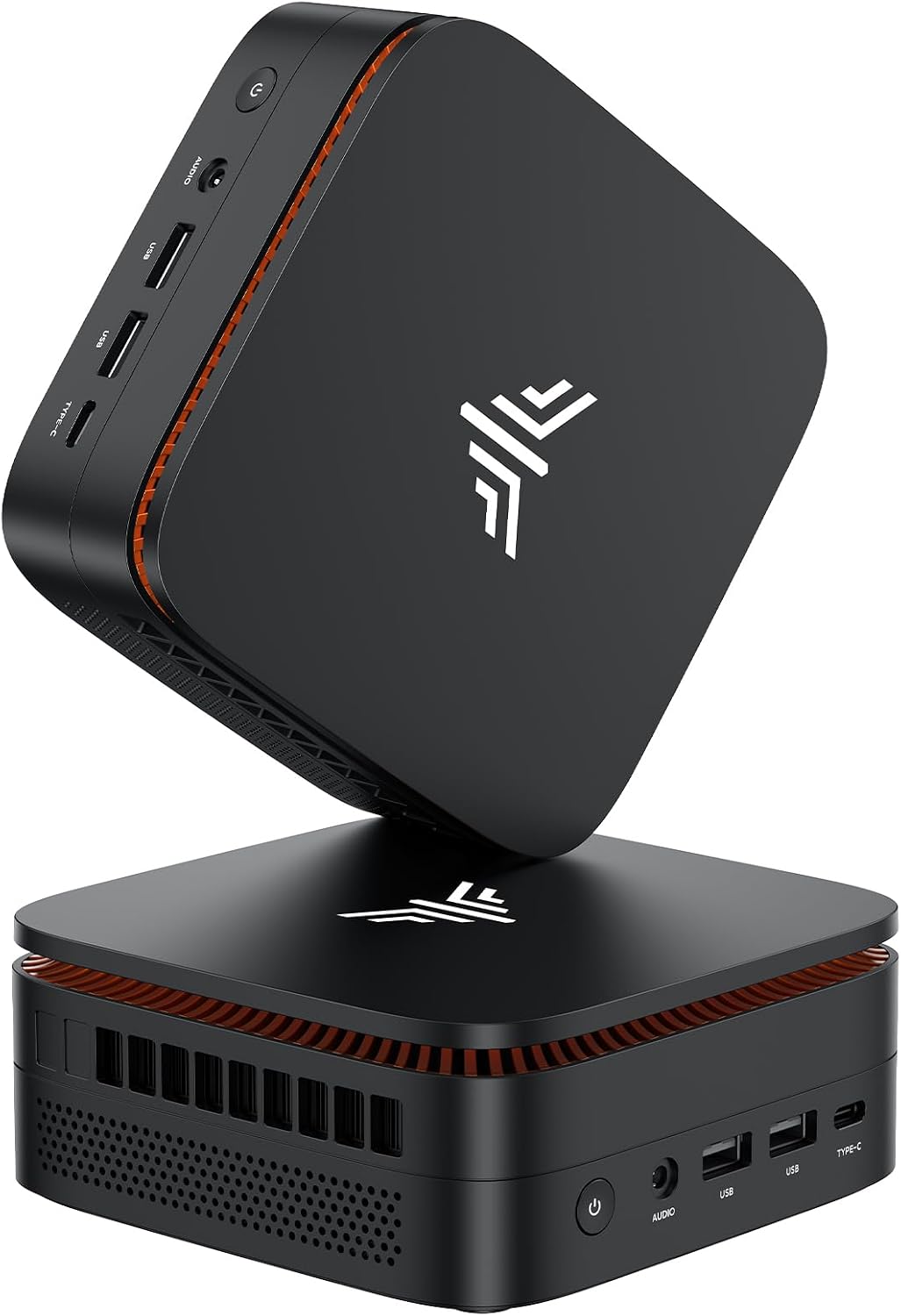
Effective cooling is vital for maintaining performance and longevity, especially in compact designs. The ACEMAGICIAN AM06 Pro Mini PC mentions a powerful cooling fan that quickly dissipates heat. Similarly, the NiPoGi P1 Mini PC highlights its high-efficiency cooling system with a practically silent fan under light load. The ACEMAGICIAN Kron K1 features a 28W cooling system with an 80mm fan and large heatsink designed for sustained performance.
Price & Value
Desktop prices can vary significantly based on specifications and brand. Here's a look at the price points represented by the products available:
- Under £100: The Amazon Renewed Optiplex Core i5 Series Desktop at £83 represents the most budget-friendly option. It offers a functional Windows 11 Pro experience with an Intel Core i5 processor and 120GB SSD, suitable for basic computing tasks.
- £200 - £300: This range includes capable mini PCs. The NiPoGi Pinova P1 Mini PC with 256GB SSD is available for £239.98, offering a Ryzen 3 4300U processor, 16GB RAM, and triple 4K display support. The NiPoGi P2 Mini PC is priced at £299.99, featuring a Ryzen 3300U processor and similar display capabilities. The NiPoGi P1 Mini PC with 512GB SSD is also in this bracket at £269.99.
- £300 - £450: This tier offers more powerful processors and larger storage. The ACEMAGICIAN AM06PRO is priced at £369.99 with a Ryzen 7 7730U, 16GB RAM, and 512GB SSD. The ACEMAGICIAN Kron K1 at £329.99 provides a Ryzen 3 4300U, 16GB RAM, and 512GB SSD, with excellent cooling. The ACEMAGICIAN AM06 Pro Mini PC, with 32GB RAM and 512GB SSD, is listed at £416.49 (down from £499.99), representing strong value for its higher RAM capacity.
Value is determined not just by price, but by the specifications and features offered. A higher price often correlates with a more powerful CPU, more RAM, larger SSD, and enhanced connectivity or build quality.
Common Mistakes to Avoid
Shoppers often fall into common traps when purchasing desktops. Being aware of these can save you time and money.
- Overlooking the SSD: Opting for a system with only a traditional HDD for the operating system will result in a significantly slower user experience. Always prioritize a system with an SSD, even if it's smaller, like the 120GB SSD in the Amazon Renewed Optiplex, and consider expandability.
- Insufficient RAM for Multitasking: While 8GB of RAM (as in the Amazon Renewed Optiplex) is functional, it can quickly become a bottleneck if you frequently run multiple applications or have many browser tabs open. Aim for at least 16GB for a smoother experience, as seen in most of the NiPoGi and ACEMAGICIAN mini PCs.
- Ignoring Port Selection: Ensure the desktop has the ports you need. If you plan to connect multiple high-resolution displays, check for sufficient HDMI, DisplayPort, or USB-C outputs capable of supporting 4K resolution, like the triple display support on the NiPoGi P1 Mini PC and NiPoGi P2 Mini PC.
- Underestimating Cooling Needs: Compact mini PCs can sometimes struggle with heat under sustained load. Features like the advanced cooling system in the ACEMAGICIAN Kron K1 are important indicators of a system designed for reliability.
- Buying Based Solely on Price: The cheapest option isn't always the best value. A slightly higher investment in a system like the ACEMAGICIAN AM06 Pro Mini PC with 32GB RAM for £416.49 can offer significantly better long-term performance and usability compared to a much cheaper, less capable machine.
How to Judge Quality
Assessing the quality and reliability of a desktop often comes down to understanding its specifications and customer feedback. Ratings and review counts provide valuable insights without requiring hands-on testing.
Aggregate ratings offer a quick snapshot of customer satisfaction. For example, the NiPoGi P2 Mini PC boasts an impressive 4.5/5 rating based on 528 reviews, suggesting a high level of customer satisfaction. Similarly, the ACEMAGICIAN Kron K1 has a strong 4.6/5 rating from 456 reviews.
The number of reviews is also important. A high rating with a large number of reviews, such as the ACEMAGICIAN AM06 Pro Mini PC with a 4.3/5 rating from 971 reviews, indicates a product that has been widely purchased and generally well-received. A lower review count, even with a good rating, might mean the product is newer or less popular, making it harder to gauge long-term reliability.
When considering a renewed product like the Amazon Renewed Optiplex, the rating of 4.3/5 from 606 reviews provides confidence in its quality despite being a refurbished item. Always look for a balance between a high rating and a substantial number of reviews to get a reliable picture of product quality.
Real Options at a Glance
- ACEMAGICIAN AM06 Pro Mini PC: Best for high-end multitasking with 32GB RAM.
- ACEMAGICIAN AM06PRO: Excellent value for a Ryzen 7 processor in a compact form factor.
- NiPoGi P2 Mini PC: Great all-rounder with strong graphics and triple 4K display support.
- NiPoGi Pinova P1 Mini PC (512GB SSD): Solid performer for home office and general use with ample storage.
- NiPoGi Pinova P1 Mini PC (256GB SSD): A more budget-friendly option for essential tasks with triple 4K display capability.
- Amazon Renewed Optiplex Core i5 Series Desktop: The most affordable entry into desktop computing for basic needs.
- NiPoGi Pinova P2 Mini PC (Ryzen 3300U): A capable option for everyday tasks with good display output.
- ACEMAGICIAN Kron K1 Smallest Mini PC: Compact design with efficient cooling for reliable performance.